AI-Powered Interior Design
Let artificial intelligence redesign your space in seconds. The future of interior design is here.
Upload a photo to preview a new look
Try the studio
Build your furniture preview here.
Upload a room, choose a style, then sign in only when you are ready to generate and save it.
1. Start with your room
Upload a photo or choose a sample to get started.
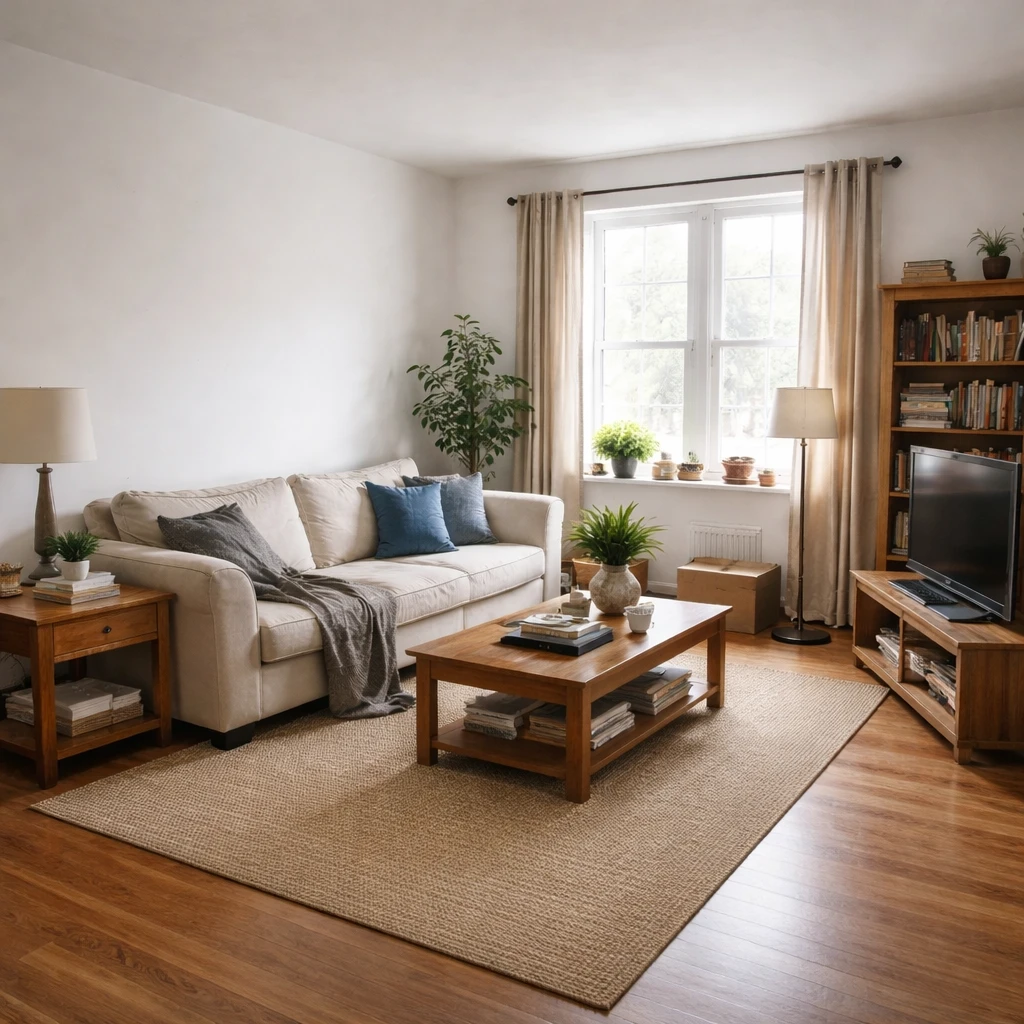
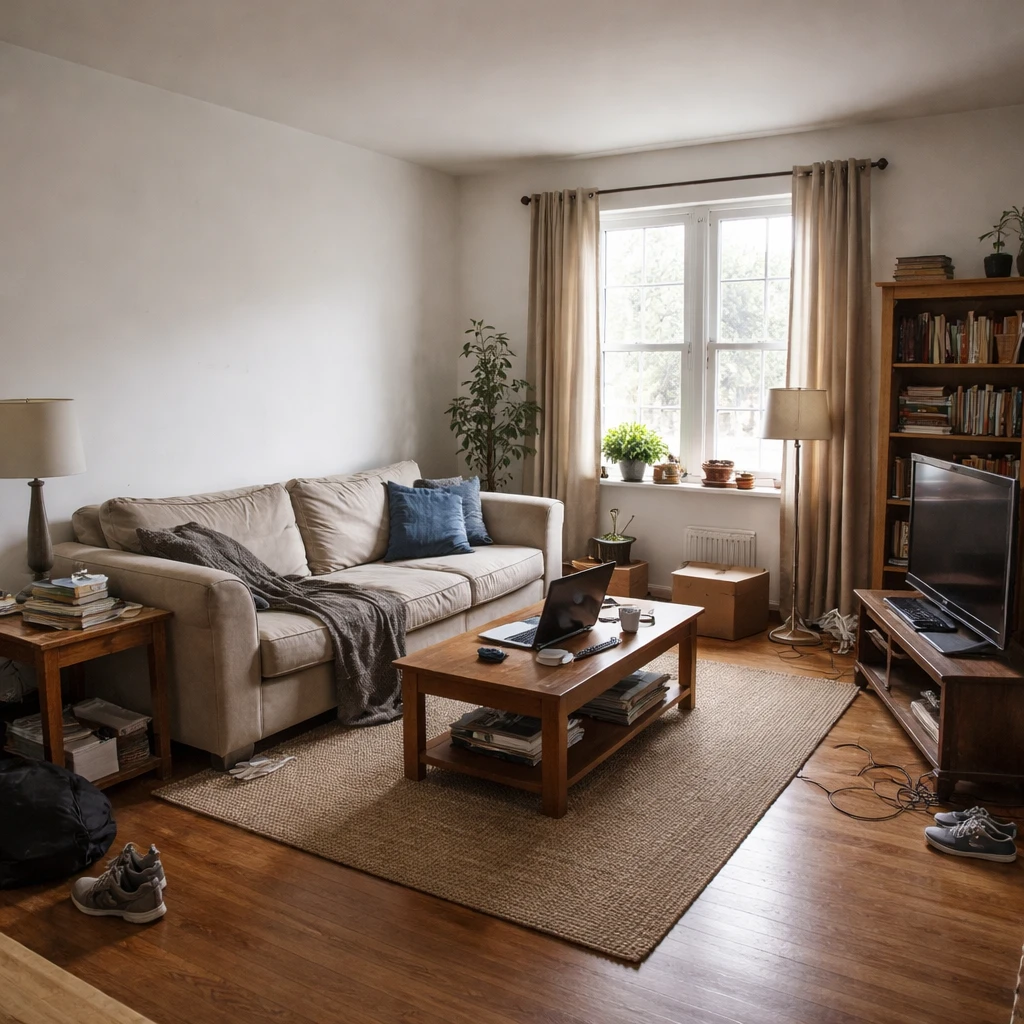
Examples
Real rooms, before and after
Tap or hover to see each transformation.
Approaching room design with modern tools and principles begins with understanding that design is a structured process, not an instinct. The steps are consistent regardless of the room: define needs and constraints, develop a spatial strategy and aesthetic direction, specify materials and finishes with exact dimensions and sourcing, and then execute the plan with quality control. Common mistakes include buying furniture before measuring, ignoring traffic flow, using too many competing focal points, and selecting paint colors under store lighting rather than the room's actual natural light. These errors are preventable when the design process is followed sequentially rather than jumping from inspiration to purchase.
The cognitive phenomenon of functional fixedness, first systematically documented by Karl Duncker in 1945, explains why people struggle to see alternative arrangements for their own rooms. Residents perceive their spaces through the lens of current function and cannot mentally rotate furniture or reassign spatial purpose without external prompting. This is why fresh eyes — whether human or computational — break this fixation by presenting alternatives that were not considered. Constraints often enhance creativity rather than suppress it; budget ceilings, fixed architectural elements, and functional requirements narrow the solution space to feasible alternatives rather than infinite possibilities.
Color theory provides the structural logic behind successful interior palettes. Complementary color schemes pair hues opposite each other on the color wheel, such as blue and orange, creating high contrast that works best when one color dominates at roughly 70 percent and the other serves as an accent at 30 percent. Analogous schemes use adjacent colors for harmony through shared undertones but require variation in saturation to prevent monotony. Texture matters as much as color: two rooms with identical color palettes can feel completely different based on tactile variation alone. A room with only smooth materials — glass, polished metal, lacquer — reads as cold regardless of its palette, while introducing at least three distinct textures creates sensory depth that makes colors feel more complex.
Professional interior designers typically charge $75 to $250 per hour, with full-service projects ranging from $2,000 to $12,000 per room depending on scope and location. Whether working with a professional or designing independently, the most important investment is time spent planning before money is spent purchasing. Measurements, material specifications, and clearance requirements should be documented before any furniture order is placed, because the cost of wrong furniture includes not just the purchase price but also delivery fees, assembly time, the realization that it does not fit, return shipping or restocking fees, and the months of living with a mistake because returning it is too much effort.
How it works
Snap your room, compare design directions, and use the best result as your shopping and styling brief for ai-powered interior design.
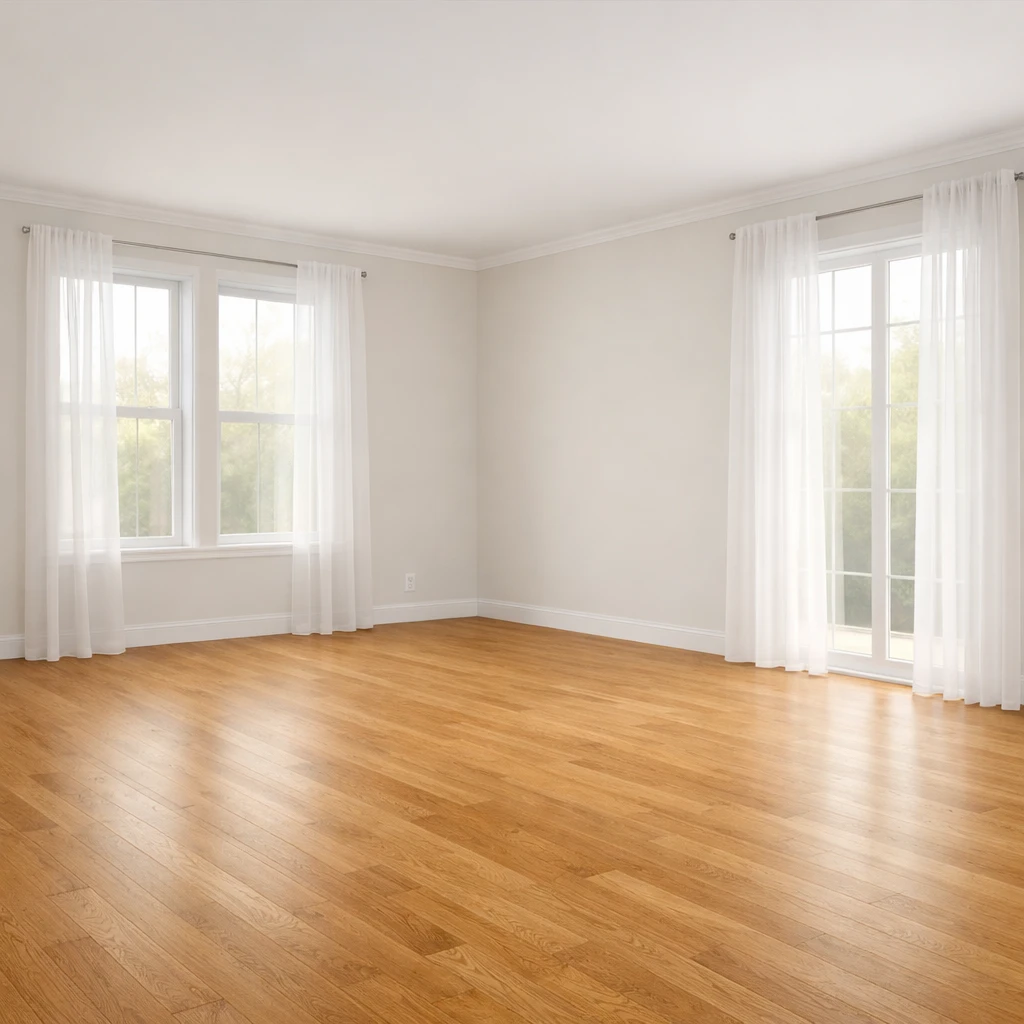
Start with a clear, well-lit photo of the room
Stand in the doorway and capture the full room including windows, doors, and existing furniture. Even lighting without harsh shadows gives the best results. The quality of the output depends on the quality of the input — a dark, cluttered photo limits what any tool can produce.
Define the problem before asking for a solution
Write down what is not working: poor layout, dated colors, insufficient storage, wrong furniture scale. A specific prompt like "make this living room lighter and more functional for a family of four" produces better results than a vague "make it nice." The tool is a design partner, not a mind reader.
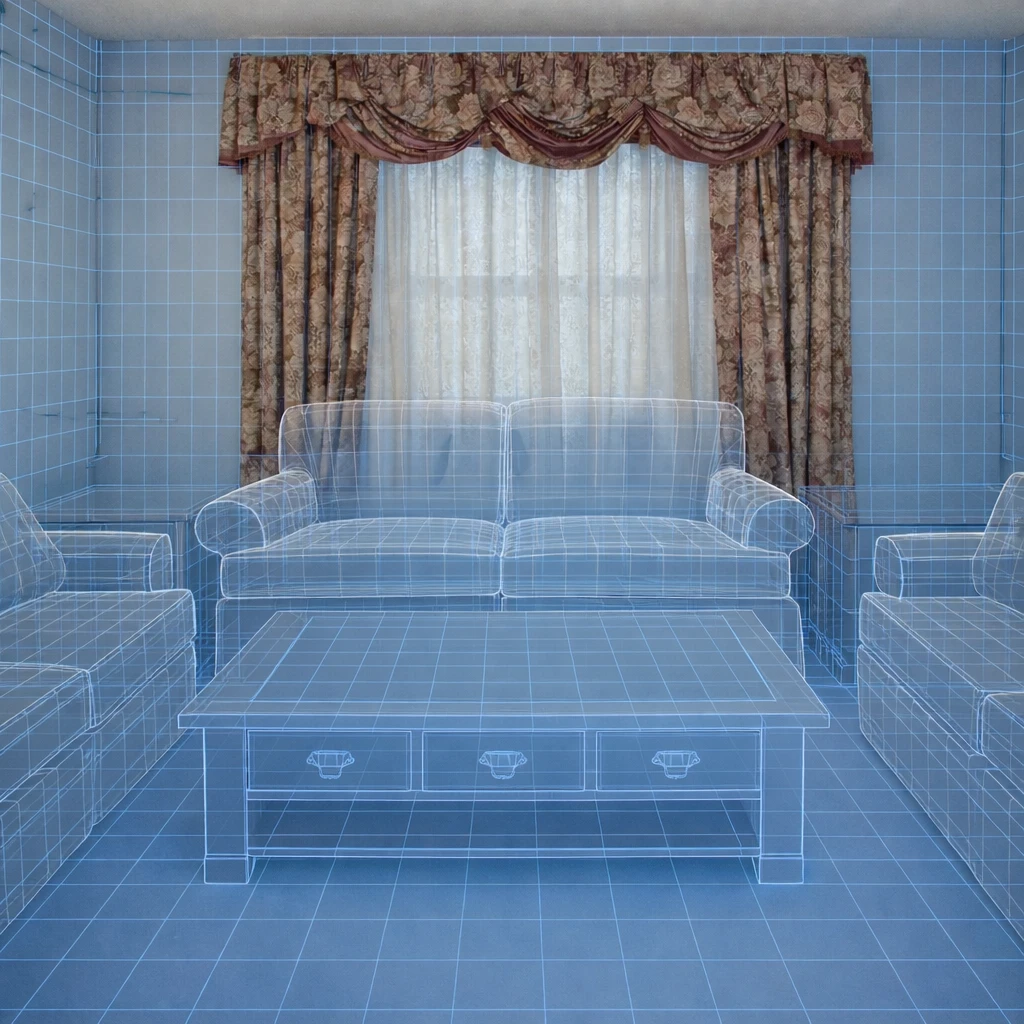
Generate multiple directions and compare them side by side
Request at least three style options for the same room. Compare mid-century modern, Scandinavian, and contemporary. Compare a warm palette against a cool one. The right answer usually emerges from contrast, not from the first attempt.
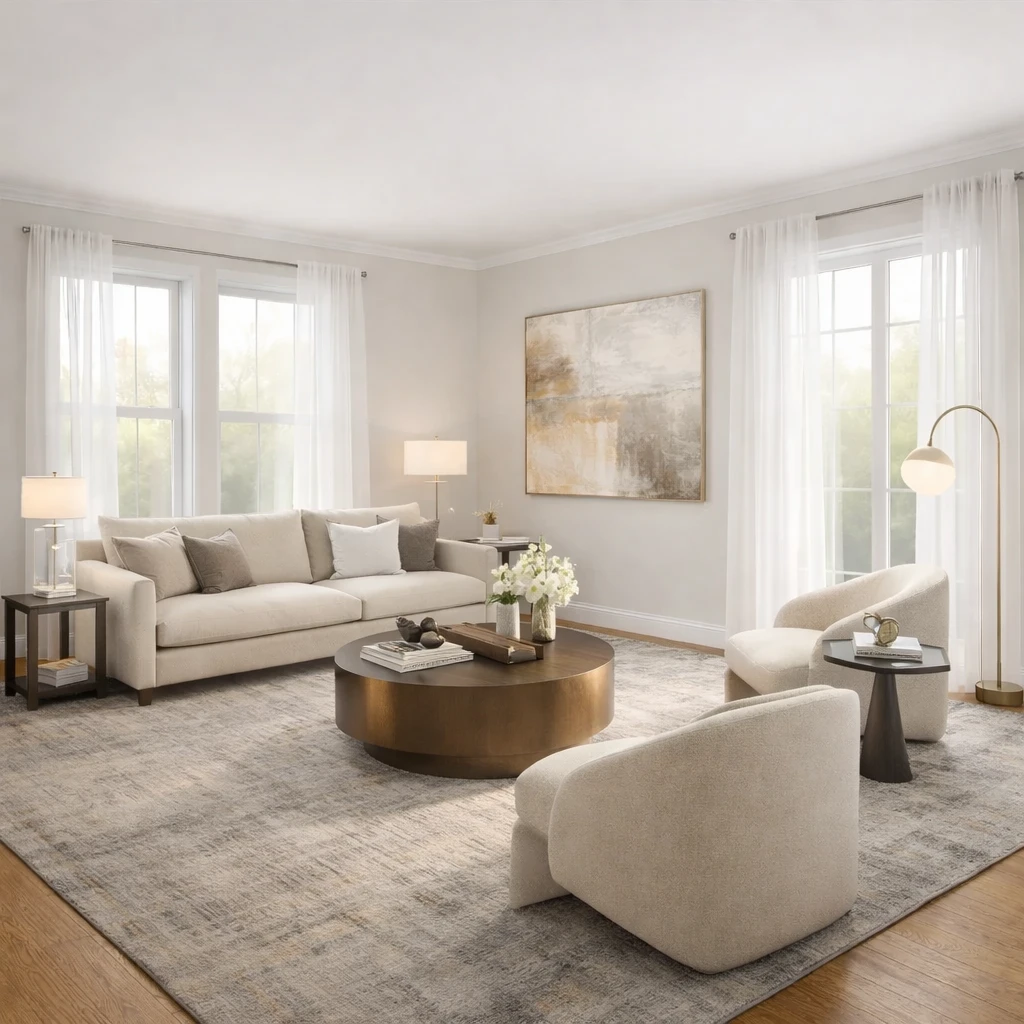
Evaluate results against measurable standards
Check that furniture proportions respect the room's dimensions (an 8-foot sofa in a 10-foot room is wrong). Check that lighting layers are present. Check that walkways maintain 36-inch clearances. A generated image can look attractive while violating basic spatial logic — your tape measure is the final authority.
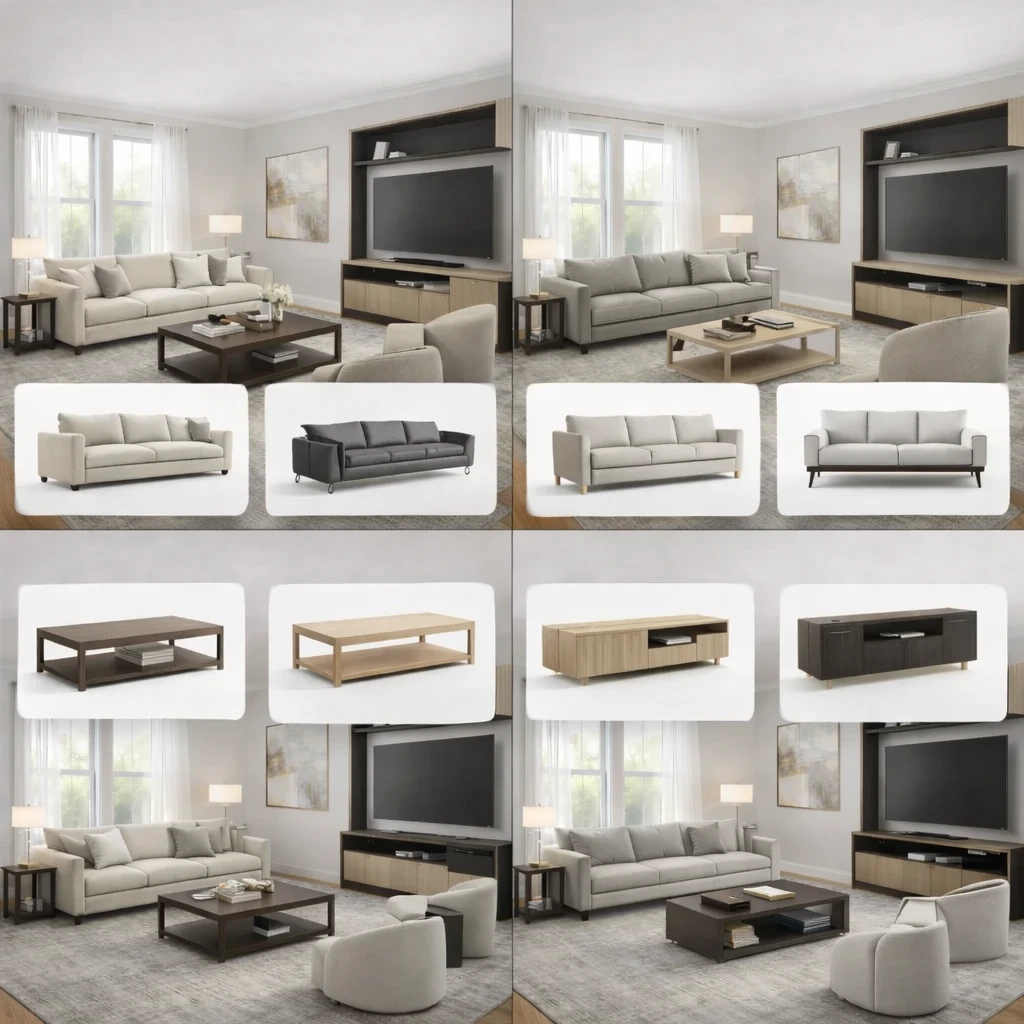
Use the output as a communication tool, not a final answer
Share generated concepts with a contractor, painter, or furniture seller to convey your intent. Conceptual images prevent the gap between what you imagined and what another person understood. They are a brief, not a blueprint.
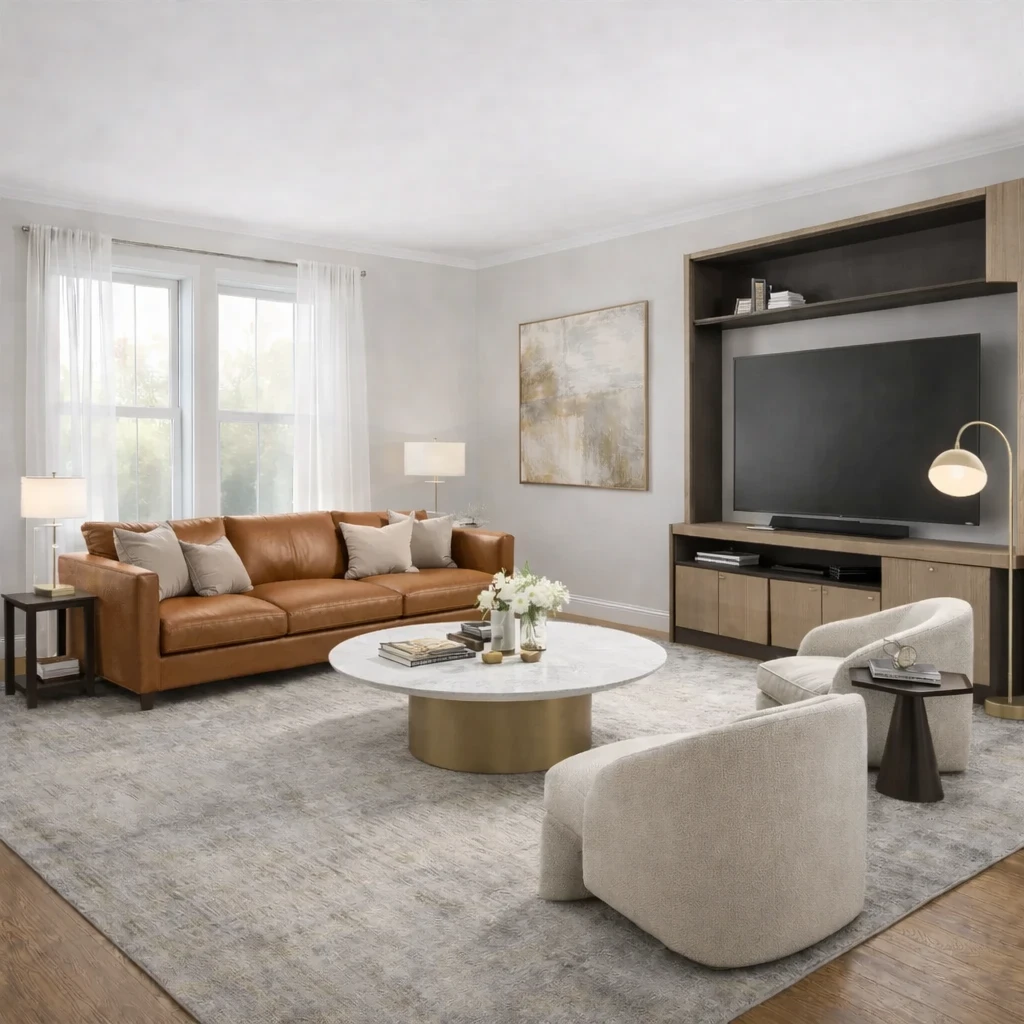
Refine iteratively based on what works
Keep what the generated result got right, discard what it got wrong, and regenerate with more specific constraints. Each round of iteration sharpens the direction. The best results come from three to five rounds, not from accepting the first output as-is.
Do this first
- 1Use one wide room photo with doors, windows, and the major furniture zone visible.
- 2Decide what you are testing first: layout, style direction, or product fit.
- 3Generate at least two or three directions before choosing a winner.
- 4Use the strongest result as the brief for your next purchase decisions.
Before you buy
- !Check measurements before buying large items, even if the concept looks right.
- !Compare at least one lower-cost and one higher-cost alternative before checkout.
- !Review delivery windows and return terms for larger pieces.
- !Save the chosen direction so future purchases stay visually consistent.
Best for
- Homeowners and renters refreshing an existing room
- People who know the room but not the style direction yet
- Testing multiple aesthetics before buying furniture and decor
Know before you start
- iNot a CAD planner or architectural drafting tool
- iNot a replacement for product measurement checks before checkout
- iNot for permit-ready renovation documentation
Shop the Direction You Actually Want
Once a direction looks right in your room, use it to narrow products, compare alternatives, and buy with more confidence.
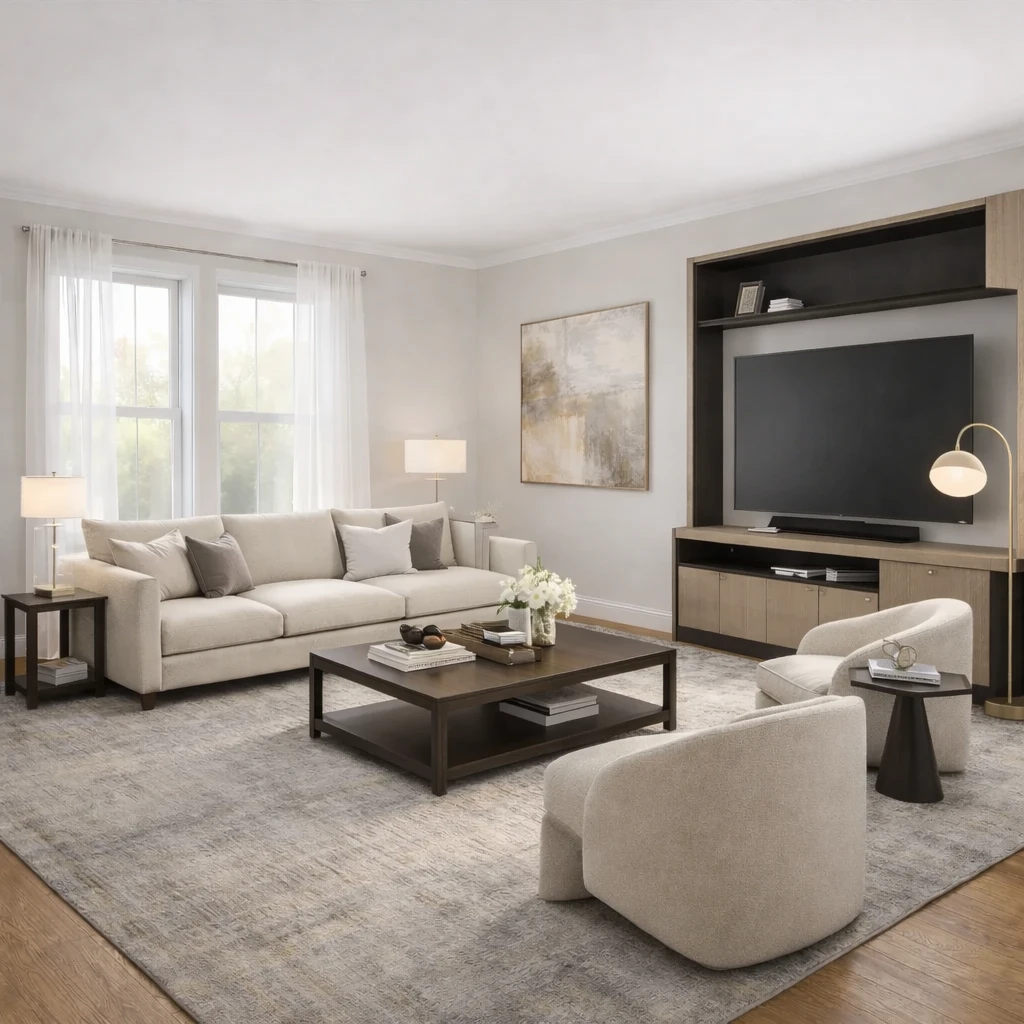
Stage 1
Product matching from your room context
Recommendations are generated from the actual room concept—not generic mood boards. Each product suggestion is sized and positioned to work with your specific room proportions, lighting conditions, and existing architectural features.
Stage 2
Compare alternatives by style, price, and availability
Review multiple matched options across different retailers (Amazon, IKEA, eBay, and regional stores) and choose the price-quality tradeoff that fits your budget. Compare delivery times, return policies, and customer reviews alongside visual fit.
Stage 3
Apply swaps before purchase
Preview replacements directly in the visual concept—no need to order, return, and reorder to find what works. Test whether a less expensive alternative achieves similar visual impact before committing your budget.
AI Room Design FAQs
Quick answers to the practical questions people ask before uploading a room photo or buying products from a concept.
What Innie can do for ai-powered interior design
More AI design tools
Browse all guidesAI Room Planner From Photo
Compare layout directions against your actual room before moving furniture or committing to purchases.
Bedroom Visualizer – Preview Designs in Your Room
Test bed placement, storage, and lighting in your actual bedroom before you move a single piece.
Dorm Room Visualizer – Preview Your Dorm Makeover
Test layouts, storage, and no-drill upgrades in your actual dorm before move-in day.
Home Office Visualizer – Preview Your Workspace
Test desk placement, glare, and storage in your actual room before you buy the wrong desk.
Living Room Visualizer – Preview Layouts in Your Room
Test layouts, sofas, and rugs in your actual living room so the next purchase lands right the first time.
AI Furniture Placement From Your Room Photo
Upload your room photo to compare furniture directions that improve flow, balance, and function before you move or buy anything.
Try AI-Powered Interior Design on your own room
AI interior design tool. Upload any room photo and watch as AI transforms it with professionally designed furniture and decor.
Free to start. No credit card required.
See the full Innie flow in one clean walkthrough.
Watch the real Innie workflow from upload to redesign to shoppable picks.

Innie
YouTube walkthrough