AI Room Design From Your Photo
Upload your room photo and get multiple AI-generated directions you can compare, refine, and shop.
Upload a photo to get started
Try the studio
Build your furniture preview here.
Upload a room, choose a style, then sign in only when you are ready to generate and save it.
1. Start with your room
Upload a photo or choose a sample to get started.
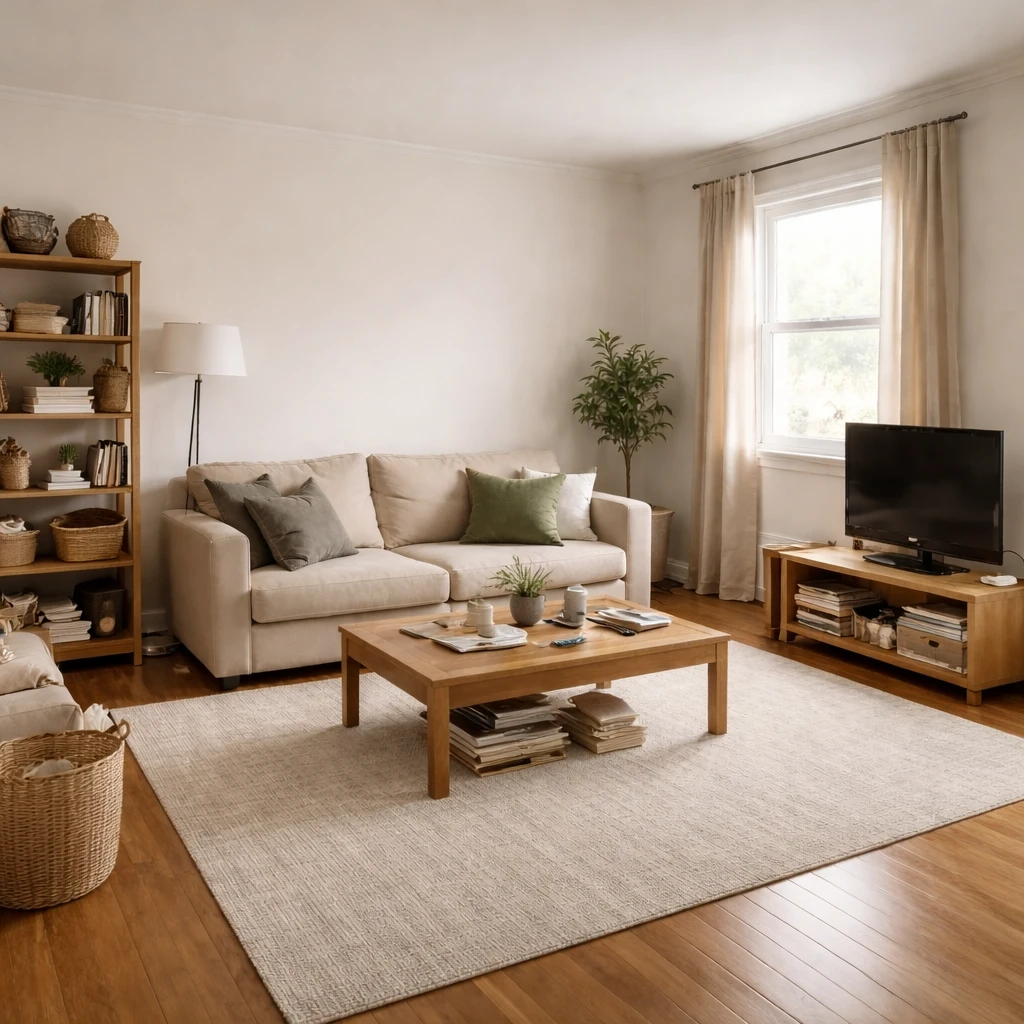
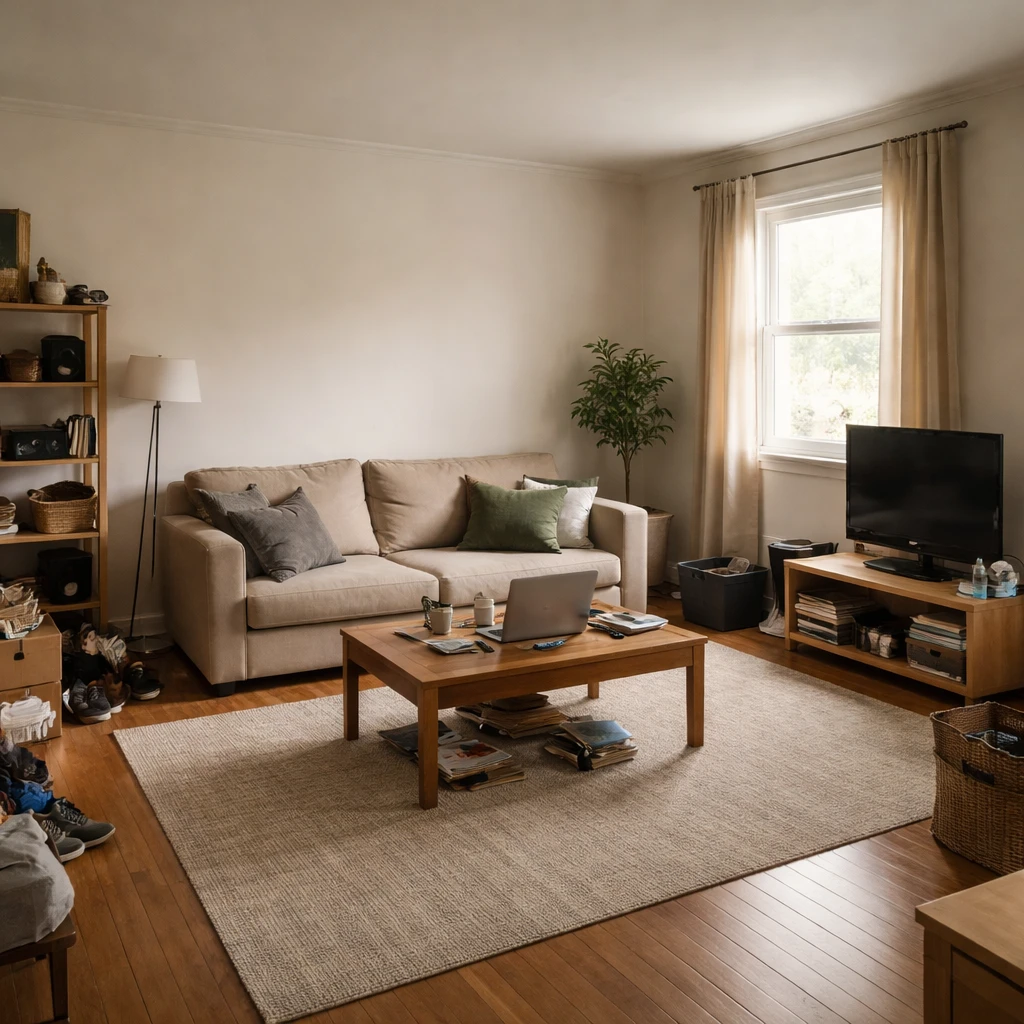
Examples
Real rooms, before and after
Tap or hover to see each transformation.
Every room in your house has potential that you cannot see because you live with it daily. This is a documented cognitive phenomenon called functional fixedness: when you are accustomed to seeing an object or space used in a particular way, you become unable to perceive alternative uses. The bedroom you have slept in for five years looks exactly how it looked when you moved in because you no longer see it; you navigate it on autopilot. Fresh eyes, whether human or artificial, break this fixation.
Breaking functional fixedness requires specific techniques. One is the stranger test: invite someone who has never seen your space into the room and ask what they notice first, what feels awkward, and what they would change. Fresh eyes skip the mental adaptation that makes you accept a layout you stopped noticing months ago. Another is the photo test: take a picture of the room from the doorway and study it on your phone, where the shift from three-dimensional experience to two-dimensional image often reveals proportion problems and circulation conflicts that walking past every day has trained you to ignore.
Style exploration benefits from structured comparison. A Scandinavian bedroom uses pale woods, layered textiles, and maximum light to create calm. A bohemian bedroom layers pattern, collected art, and abundant plants to create warmth. A modern kitchen uses flat fronts, integrated handles, and continuous counters to create efficiency. A farmhouse kitchen uses shaker cabinetry, warmth, and open shelving to create hospitality. Each style transforms the same room's feeling without changing its structure. Understanding how different styles solve the same spatial constraints is how designers learn what a room needs versus what a catalog is selling.
Budget discipline prevents the most common room design error: spending on accessories before anchor pieces. A $200 nightstand and a $900 version solve the same storage problem, but the difference in construction quality, drawer hardware, and joinery determines whether the piece lasts three years or thirty. A $400 dining table with veneer over particle board and a $1,800 solid hardwood table with dovetail joints differ in material, construction, and longevity to a degree that the lower price does not justify if replacement within a decade is expected. Understanding these tradeoffs in context, meaning relative to the room's total budget and the piece's structural importance, is what separates furniture selection from furniture shopping.
Constraint-based design acknowledges that limitations often enhance creativity rather than suppress it. A room with a low ceiling cannot accept a tall bookshelf, which forces creative storage solutions. A room with a radiator cannot float furniture against that wall, which forces a layout that might actually improve circulation. Budget ceilings, fixed architectural elements, and functional requirements narrow the solution space and often produce more cohesive results than unlimited options. The discipline of designing within constraints is not a limitation on the result. It is the structure that makes the result coherent.
The cognitive phenomenon of functional fixedness was first systematically documented by Karl Duncker in 1945, who demonstrated that participants shown a box containing tacks struggled to perceive the empty box as a platform for a candle, seeing it only as a container. Similarly, residents typically perceive their rooms through the lens of current function and cannot mentally rotate furniture or reassign spatial purpose without external prompting. Shepard and Metzler's 1971 research on mental rotation established that the time required to mentally rotate three-dimensional objects increases linearly with angular disparity, explaining why redesigning a room from memory feels cognitively demanding compared to viewing an external representation of the alternative.
Design thinking methodology, formalized at Stanford and widely adopted in creative industries, proceeds through five phases: empathize, define, ideate, prototype, and test. The ideate and prototype phases benefit enormously from external visualization, whether through sketches, plans, or digital representations, because they allow rapid iteration through divergent alternatives before converging on an optimal approach. Research on creativity distinguishes between divergent thinking, the generation of multiple solutions, and convergent thinking, the selection of optimal approaches. Constraint-based design acknowledges that limitations often enhance creativity rather than suppress it; well-defined parameters such as budget ceilings, fixed architectural elements, and functional requirements narrow the solution space to feasible alternatives and often produce more cohesive results than unlimited options.
How it works
Snap your room, compare design directions, and use the best result as your shopping and styling brief for ai room design from your photo.
Photograph the room from multiple angles with good lighting
Stand in the doorway, then take two additional angles covering the walls, windows, and permanent fixtures. Even, natural lighting without harsh shadows produces the most useful output. The tool can only work with what the photo shows.
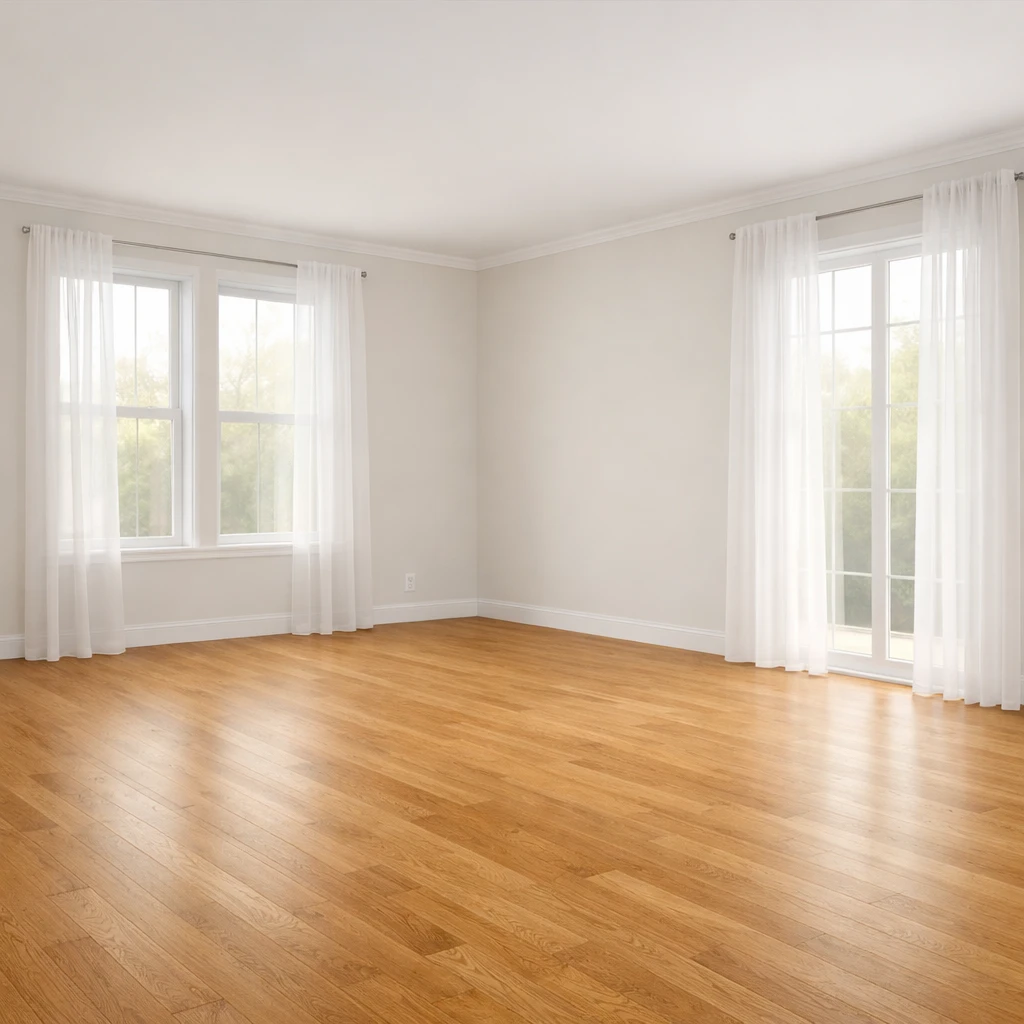
Specify the room's constraints and priorities in plain language
Room dimensions, must-keep pieces, functional requirements, and budget range. A specific prompt like "10x12 home office needing desk space for two, storage for books, and a reading chair, budget under $5,000" produces a focused result. Vague input produces vague output.
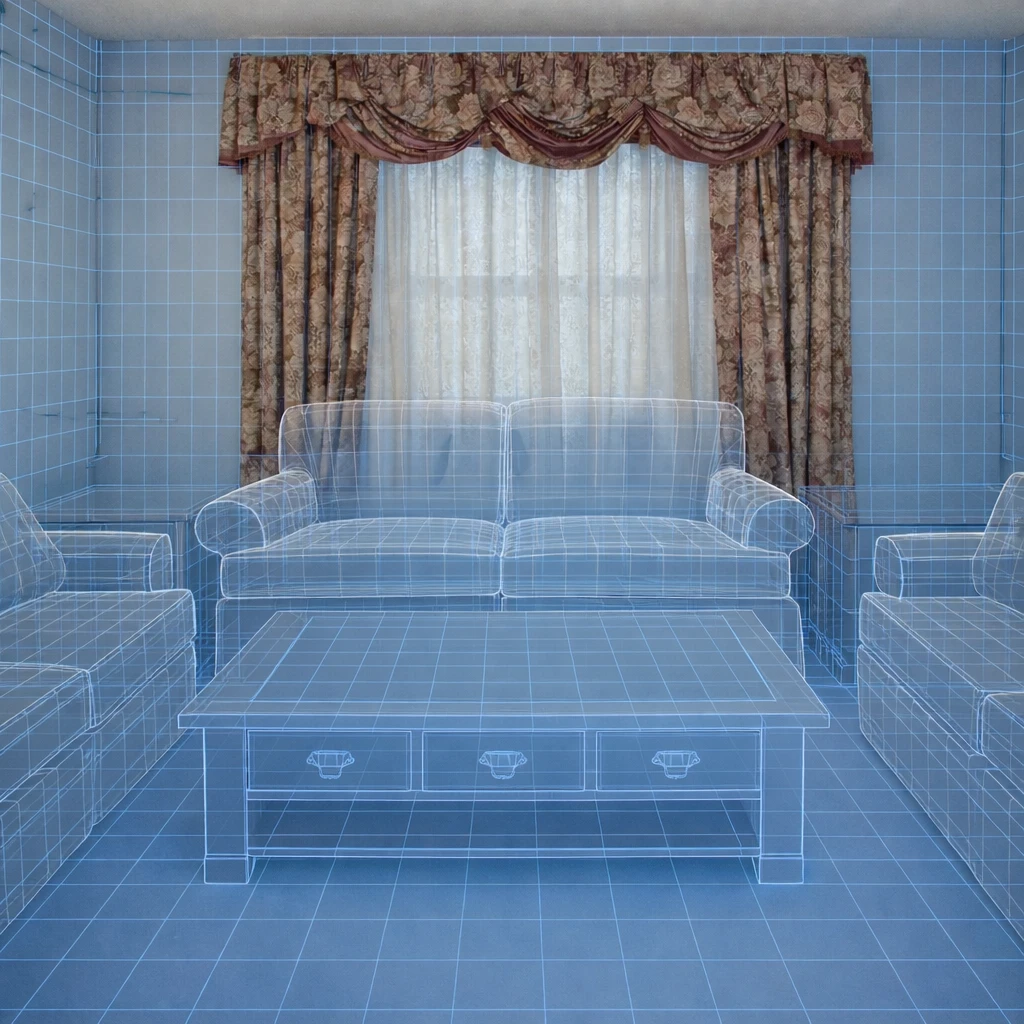
Request at least three style directions for comparison
Try the room in Scandinavian minimalist, warm traditional, and contemporary styles. Try a $2,000 budget version and a $5,000 version. Generated variety breaks the functional fixedness that makes it hard to see alternatives in a familiar space.
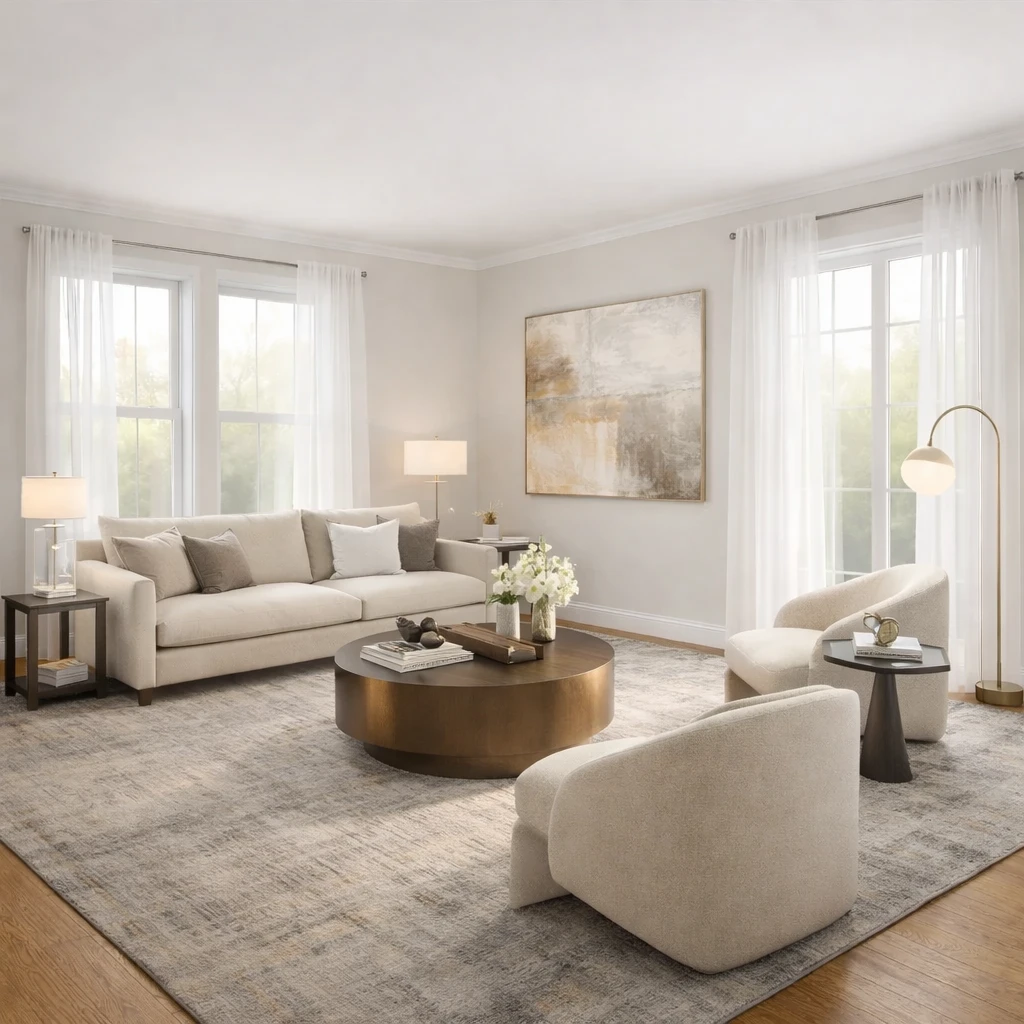
Cross-check every layout against real dimensions
Measure your room and verify that the furniture shown would actually fit. Verify walkway clearances stay above 36 inches. Verify that doors and windows are not blocked. Generated images can look correct while violating basic spatial logic — your tape measure is the final authority.
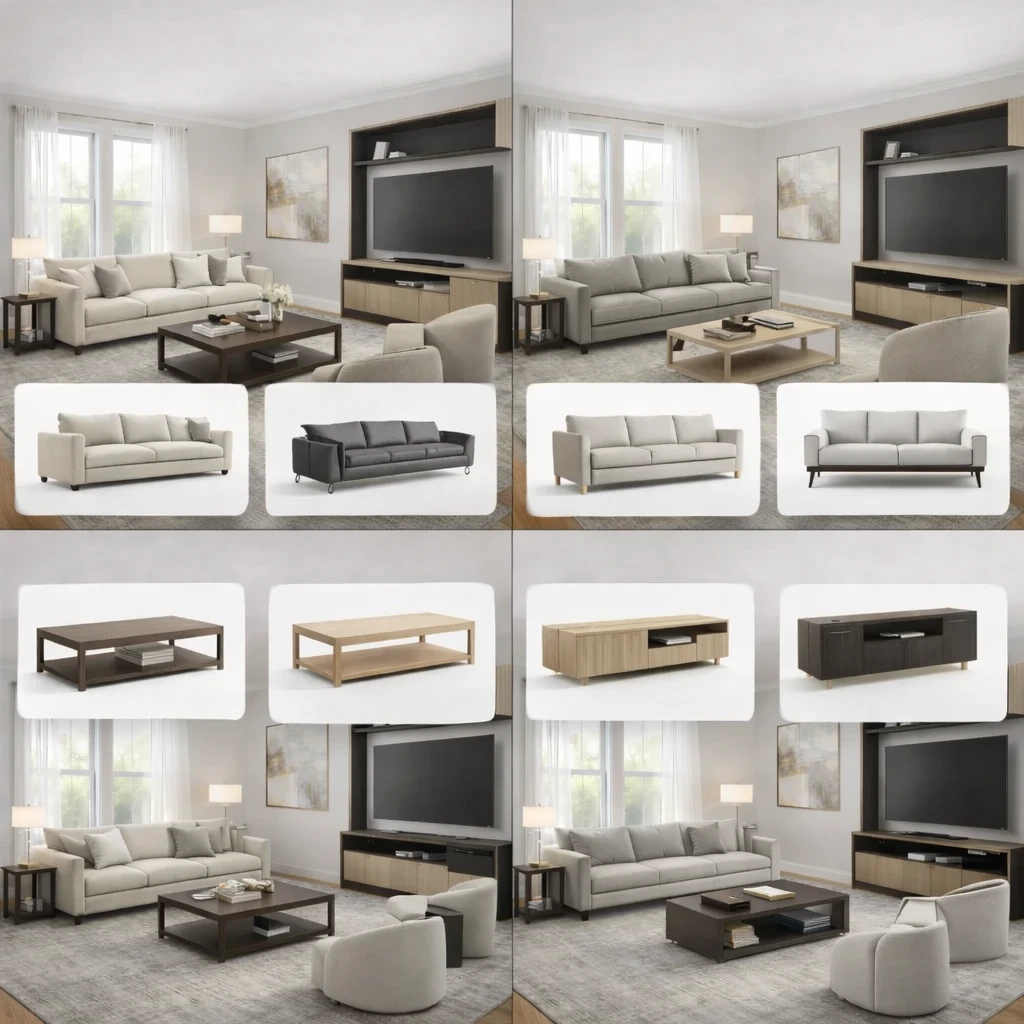
Use the output to create a shopping and execution plan
From the concept that works best, extract a furniture list, a paint color, a layout diagram, and a budget. This turns an image into an actionable plan. Without this step, the concept is just decoration on a screen.
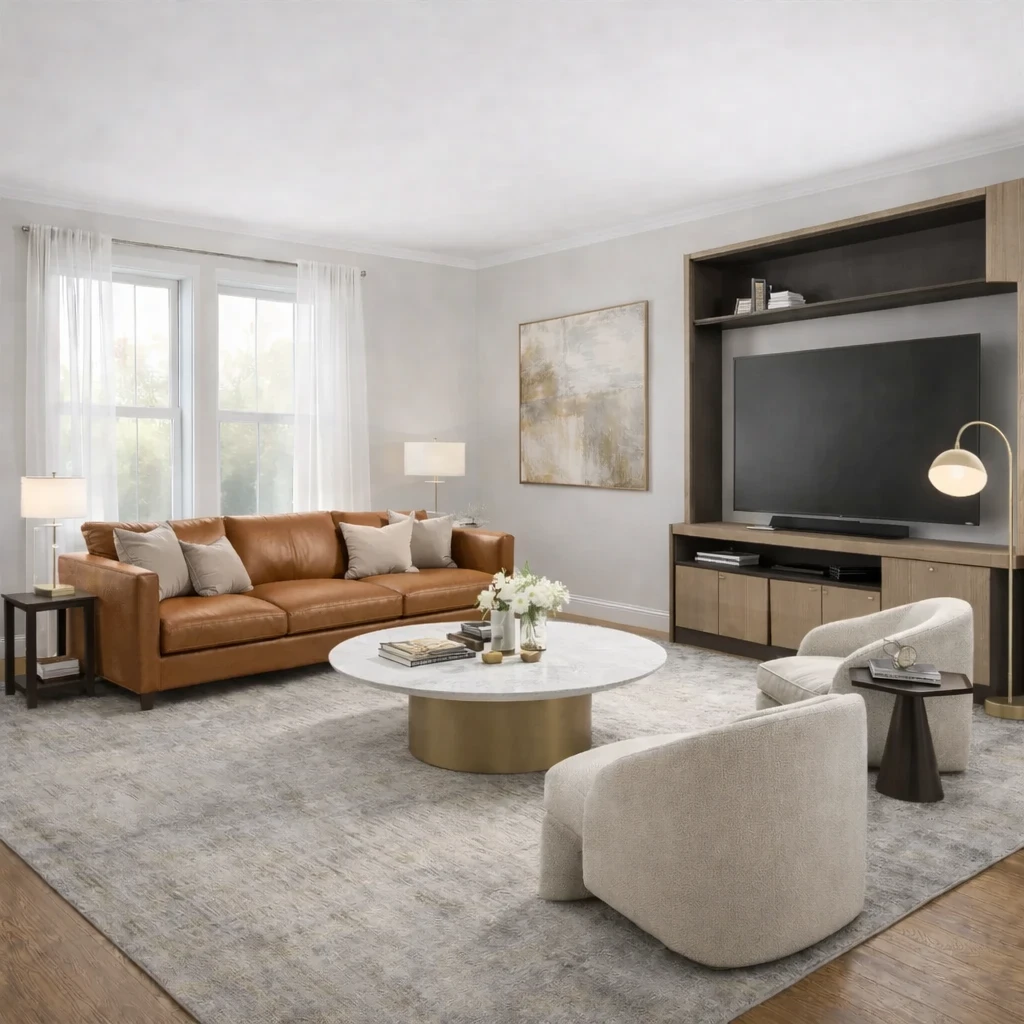
Iterate with specific refinements, not full restarts
Keep the layout, change the sofa to a darker color. Make the desk area bigger and reduce the seating. Focused edits sharpen the result. Starting over from scratch every time discards the progress already made.
Do this first
- 1Use one wide room photo with doors, windows, and the major furniture zone visible.
- 2Decide what you are testing first: layout, style direction, or product fit.
- 3Generate at least two or three directions before choosing a winner.
- 4Use the strongest result as the brief for your next purchase decisions.
Before you buy
- !Check measurements before buying large items, even if the concept looks right.
- !Compare at least one lower-cost and one higher-cost alternative before checkout.
- !Review delivery windows and return terms for larger pieces.
- !Save the chosen direction so future purchases stay visually consistent.
Best for
- Homeowners and renters refreshing an existing room
- People who know the room but not the style direction yet
- Testing multiple aesthetics before buying furniture and decor
Know before you start
- iNot a CAD planner or architectural drafting tool
- iNot a replacement for product measurement checks before checkout
- iNot for permit-ready renovation documentation
Shop the Direction You Actually Want
Once a direction looks right in your room, use it to narrow products, compare alternatives, and buy with more confidence.
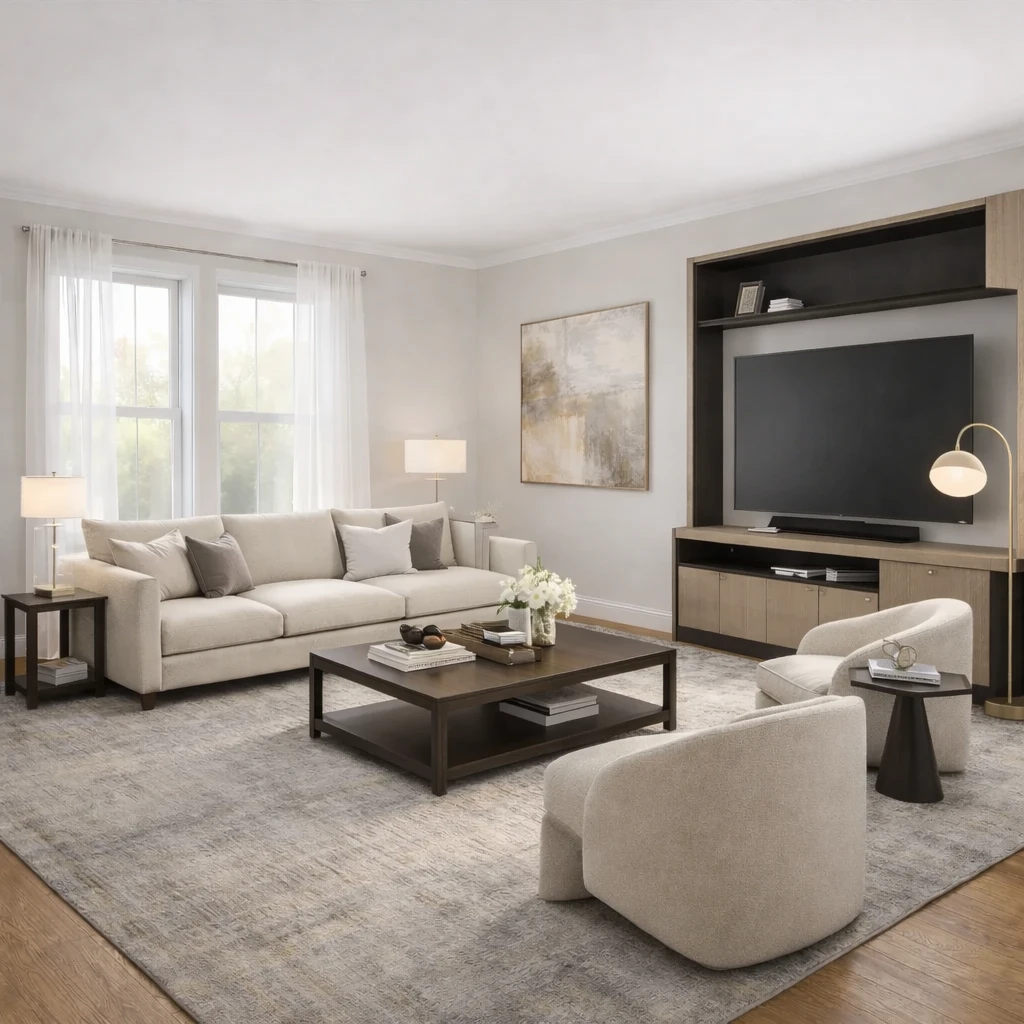
Stage 1
Product matching from your room context
Recommendations are generated from the actual room concept—not generic mood boards. Each product suggestion is sized and positioned to work with your specific room proportions, lighting conditions, and existing architectural features.
Stage 2
Compare alternatives by style, price, and availability
Review multiple matched options across different retailers (Amazon, IKEA, eBay, and regional stores) and choose the price-quality tradeoff that fits your budget. Compare delivery times, return policies, and customer reviews alongside visual fit.
Stage 3
Apply swaps before purchase
Preview replacements directly in the visual concept—no need to order, return, and reorder to find what works. Test whether a less expensive alternative achieves similar visual impact before committing your budget.
AI Room Design FAQs
Quick answers to the practical questions people ask before uploading a room photo or buying products from a concept.
What Innie can do for ai room design from your photo
More AI design tools
Browse all guidesAI Room Planner From Photo
Compare layout directions against your actual room before moving furniture or committing to purchases.
Bedroom Visualizer – Preview Designs in Your Room
Test bed placement, storage, and lighting in your actual bedroom before you move a single piece.
Dorm Room Visualizer – Preview Your Dorm Makeover
Test layouts, storage, and no-drill upgrades in your actual dorm before move-in day.
Home Office Visualizer – Preview Your Workspace
Test desk placement, glare, and storage in your actual room before you buy the wrong desk.
Living Room Visualizer – Preview Layouts in Your Room
Test layouts, sofas, and rugs in your actual living room so the next purchase lands right the first time.
AI Furniture Placement From Your Room Photo
Upload your room photo to compare furniture directions that improve flow, balance, and function before you move or buy anything.
Try AI Room Design From Your Photo on your own room
AI room design tool for real room photos. Upload a space, explore different styles, and move from inspiration to shoppable design ideas faster.
Free to start. No credit card required.
See the full Innie flow in one clean walkthrough.
Watch the real Innie workflow from upload to redesign to shoppable picks.

Innie
YouTube walkthrough