AI Furniture Placement From Your Room Photo
Upload your room photo to compare furniture directions that improve flow, balance, and function before you move or buy anything.
Upload a photo to test layouts
Try the studio
Build your furniture preview here.
Upload a room, choose a style, then sign in only when you are ready to generate and save it.
1. Start with your room
Upload a photo or choose a sample to get started.
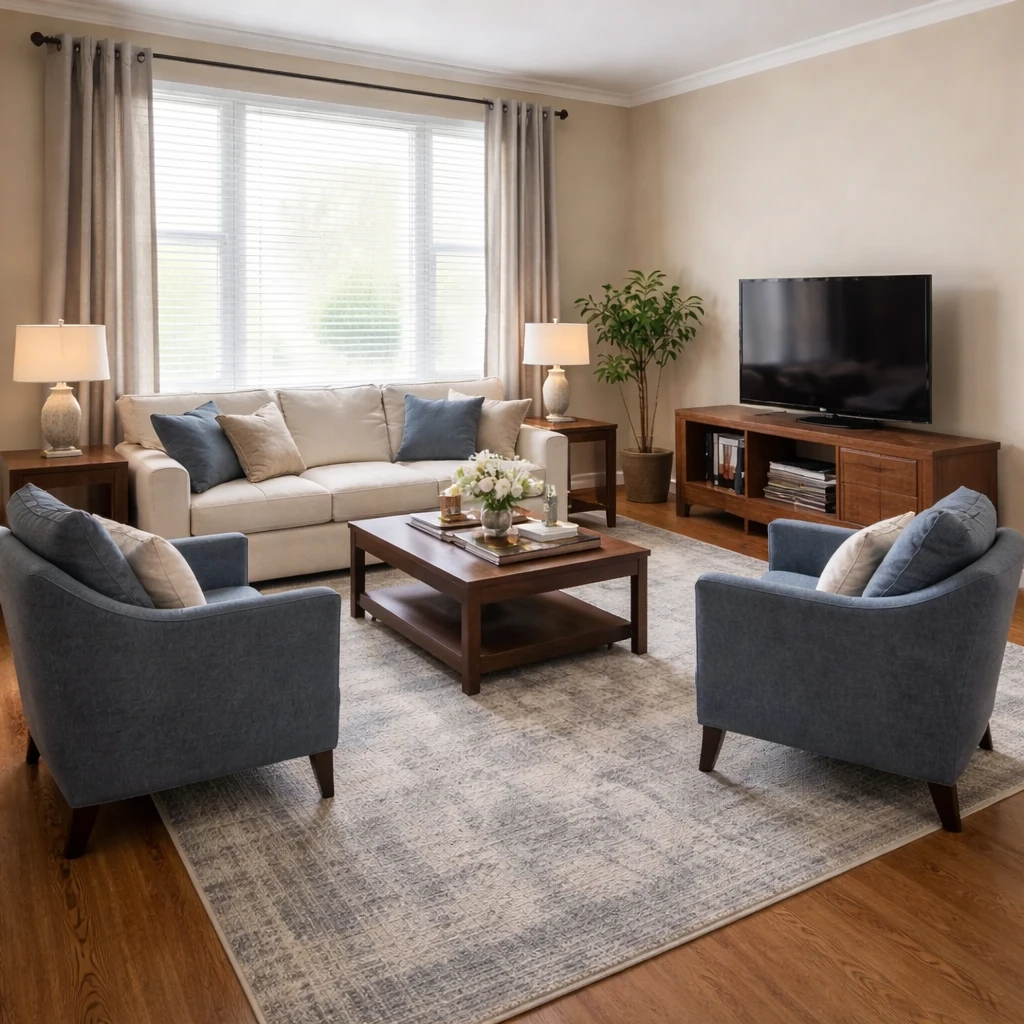
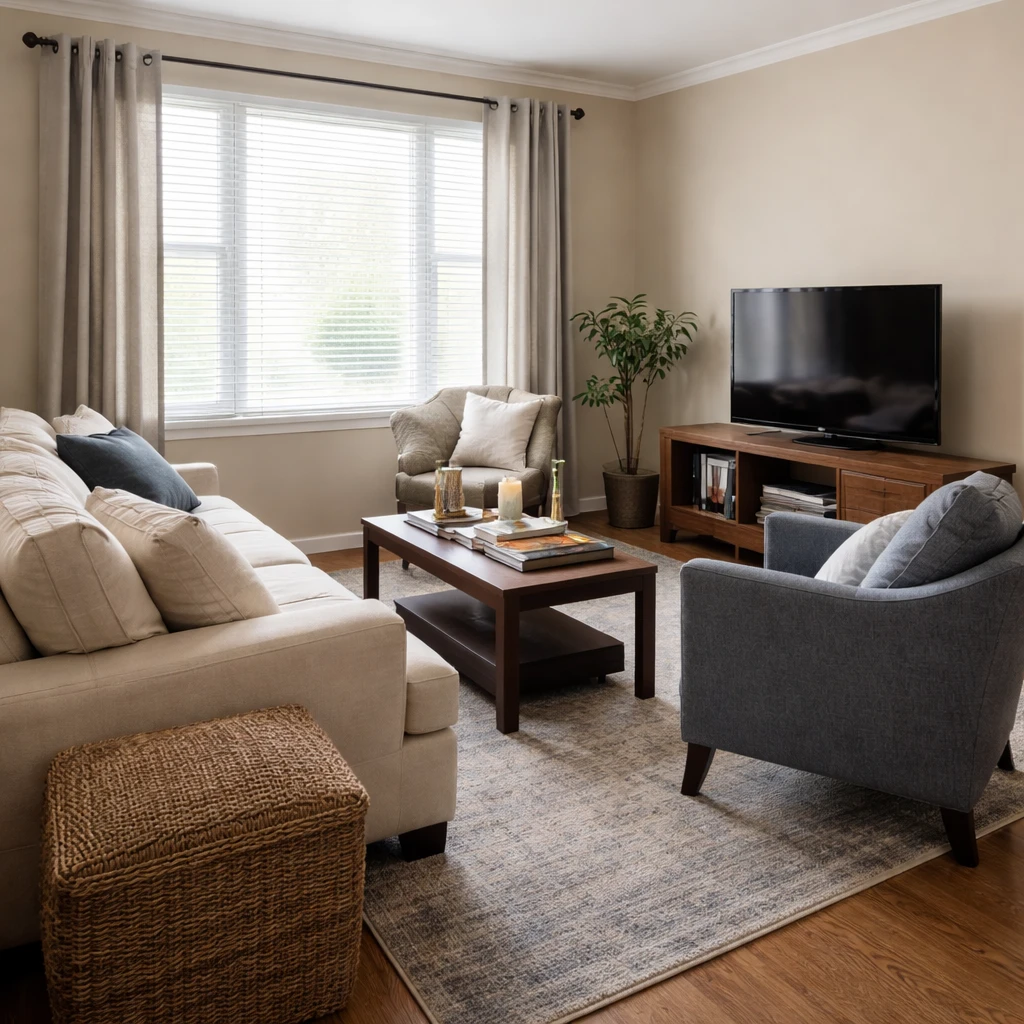
Examples
Real rooms, before and after
Tap or hover to see each transformation.
Arranging furniture well has very little to do with instinct and almost everything to do with legibility. A room works when you can tell, almost immediately, where to walk, where to sit, and what the room is oriented toward. Start with a scaled plan and record every wall length, door swing, radiator, vent, and outlet to the nearest half-inch. Draw it at 1/4 inch to 1 foot if you are doing it by hand. People skip this because it feels tedious; then they spend months living with a sectional that blocks a register or a dresser drawer that collides with the door casing.
The first layout decision is the focal point hierarchy. Every room needs a visual anchor, but not every room needs the same one. In a living room, the anchor might be a fireplace, a television, or the best window. In a bedroom, it is almost always the bed wall. In a home office, it might be the desk position relative to daylight rather than a decorative feature. Once the anchor is named, place the largest piece first and let the remaining furniture support it. Rooms feel expensive when they have clear internal logic; they feel amateur when every major piece points in a different direction.
Human spacing rules are what turn a pretty arrangement into a usable one. Conversation seating should generally sit 42 to 60 inches apart so people can talk without raising their voices. Coffee tables belong 14 to 18 inches from the sofa edge. Side tables should sit within easy reach of the seated arm, usually no more than 2 to 4 inches above the sofa arm height. Dining chairs need about 24 inches of width per person and 36 inches behind the chair backs for comfortable pull-out. If these numbers sound picky, that is because good rooms are built from small distances that the body notices immediately even when the eye cannot explain why.
Circulation deserves the same seriousness as furniture selection. Primary walkways should hold 36 inches clear at minimum, and 42 inches is better where more than one person passes regularly. Secondary paths can compress to 24 to 30 inches in tight spaces, but not where a door swings or a chair needs to pull back. The most common layout mistake is sacrificing movement to fit one more table, chair, or cabinet. If you have to pivot sideways to reach a lamp or step around a chair leg to enter the room, the furniture count is too high or the piece size is wrong.
One of the oldest bad habits in residential layout is pushing everything to the wall. That move usually creates a dead air pocket in the center of the room and leaves conversation furniture too far apart. Floating furniture, even 8 to 18 inches off the wall, often improves proportion, especially when a rug large enough to anchor the grouping, front legs on at minimum, defines the zone. In open plans, floating is often essential because furniture must create rooms where walls do not. The point is not to center everything theatrically; it is to place pieces where the room functions best rather than where they seem easiest to shove.
The final step is testing before commitment. Mark footprints with painter's tape, use cardboard or moving boxes to mimic oversized pieces, and live with the proposed layout for two or three days before ordering anything large. Walk every path, open every door, sit in every seat, and notice where you instinctively set down a drink or bag. Real layout problems reveal themselves in motion, not in the stillness of a floor plan. The best furniture arrangements feel almost boring in the best way: they do not call attention to themselves because nothing snags, strains, or blocks the life of the room.
How it works
Snap your room, compare design directions, and use the best result as your shopping and styling brief for ai furniture placement from your room photo.
Measure the room and draw a scaled floor plan
Record every wall dimension, window, door, radiator, and outlet to the nearest half-inch. Transfer to graph paper or a digital planner at 1/4 inch = 1 foot. Furniture arrangements that ignore the radiator under the window fail within a week of living with them.
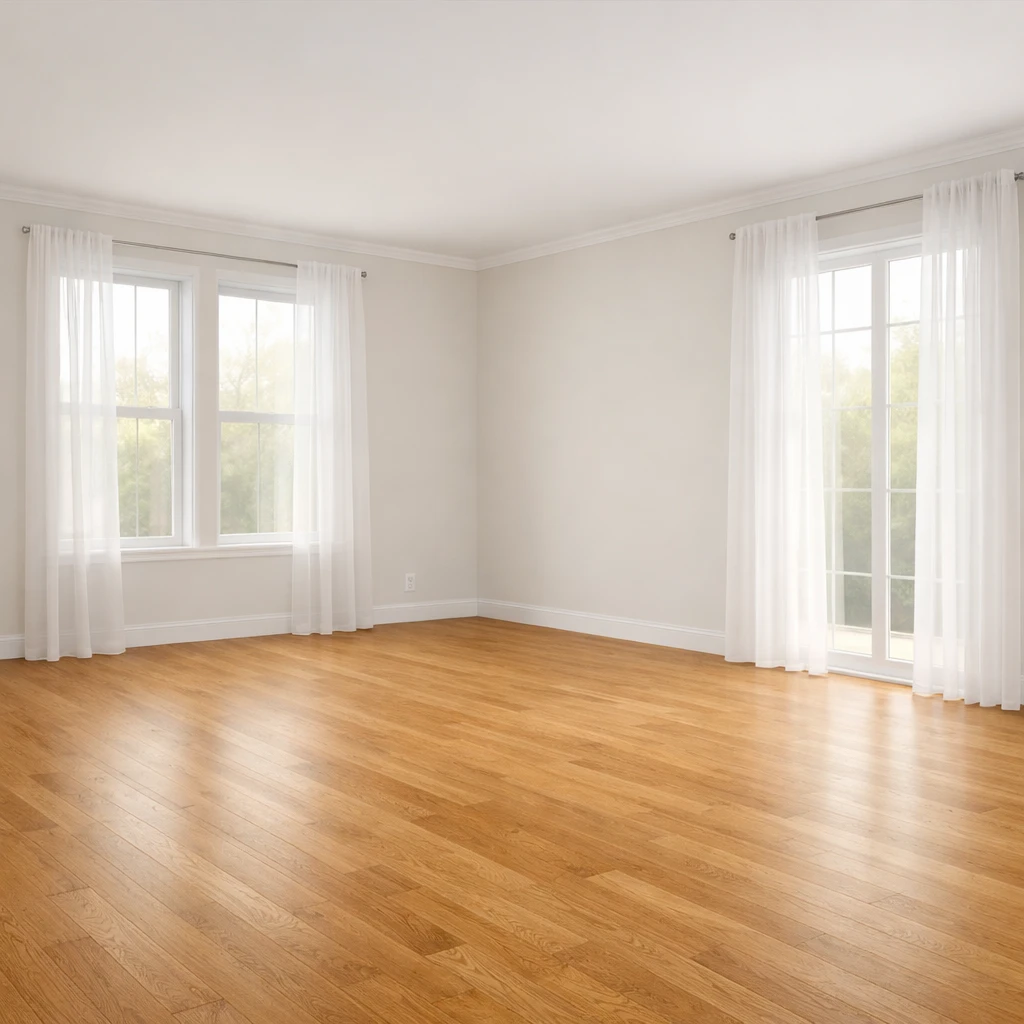
Identify the focal point and orient around it
Every room has one: a fireplace, a window with a view, a television, or the bed wall in a bedroom. Arrange the largest seating piece to face it and build secondary seating around that anchor. Rooms without a clear focal point feel aimless.
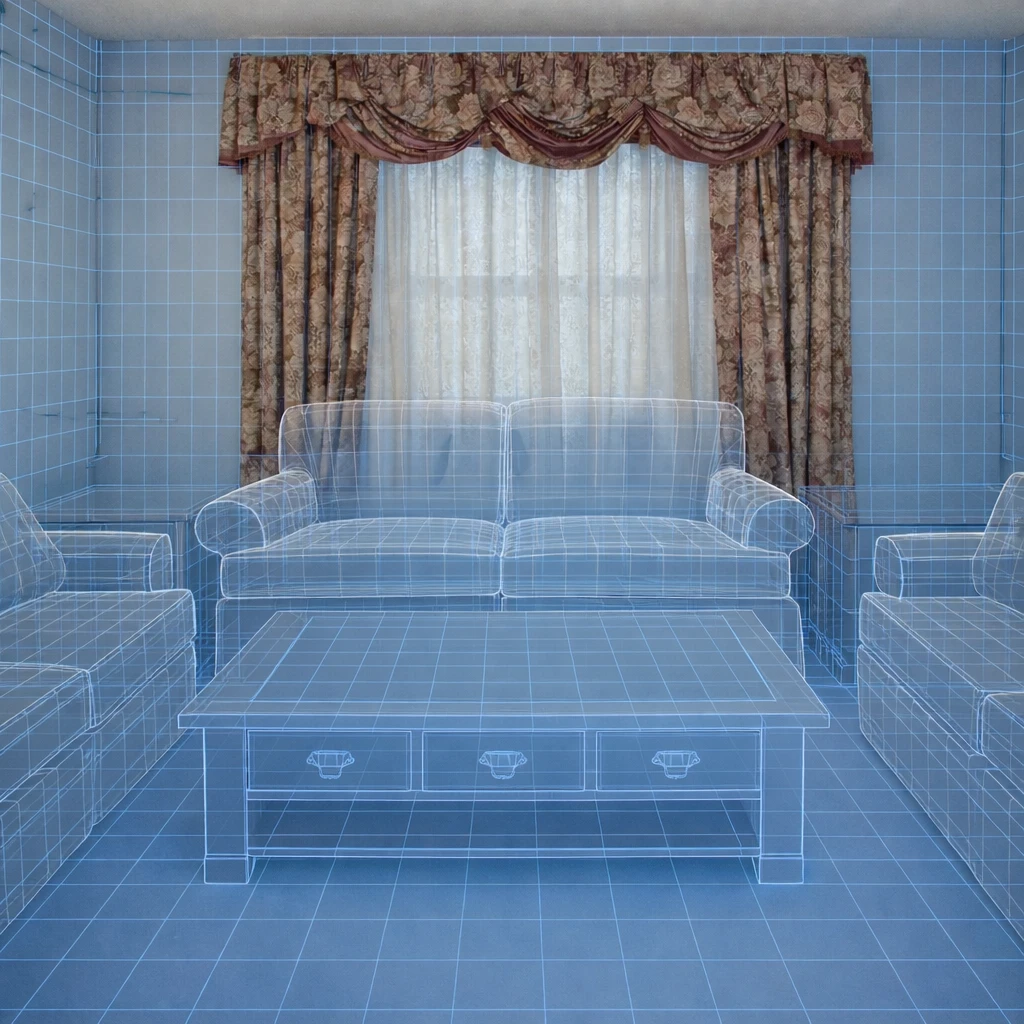
Establish conversation zones at human scale
Seats in a conversation group should be 3.5 to 5 feet apart — close enough to hear without shouting, far enough to avoid knee contact. Coffee tables sit 14 to 18 inches from sofa cushions. If two people cannot have a comfortable conversation, the layout has failed.
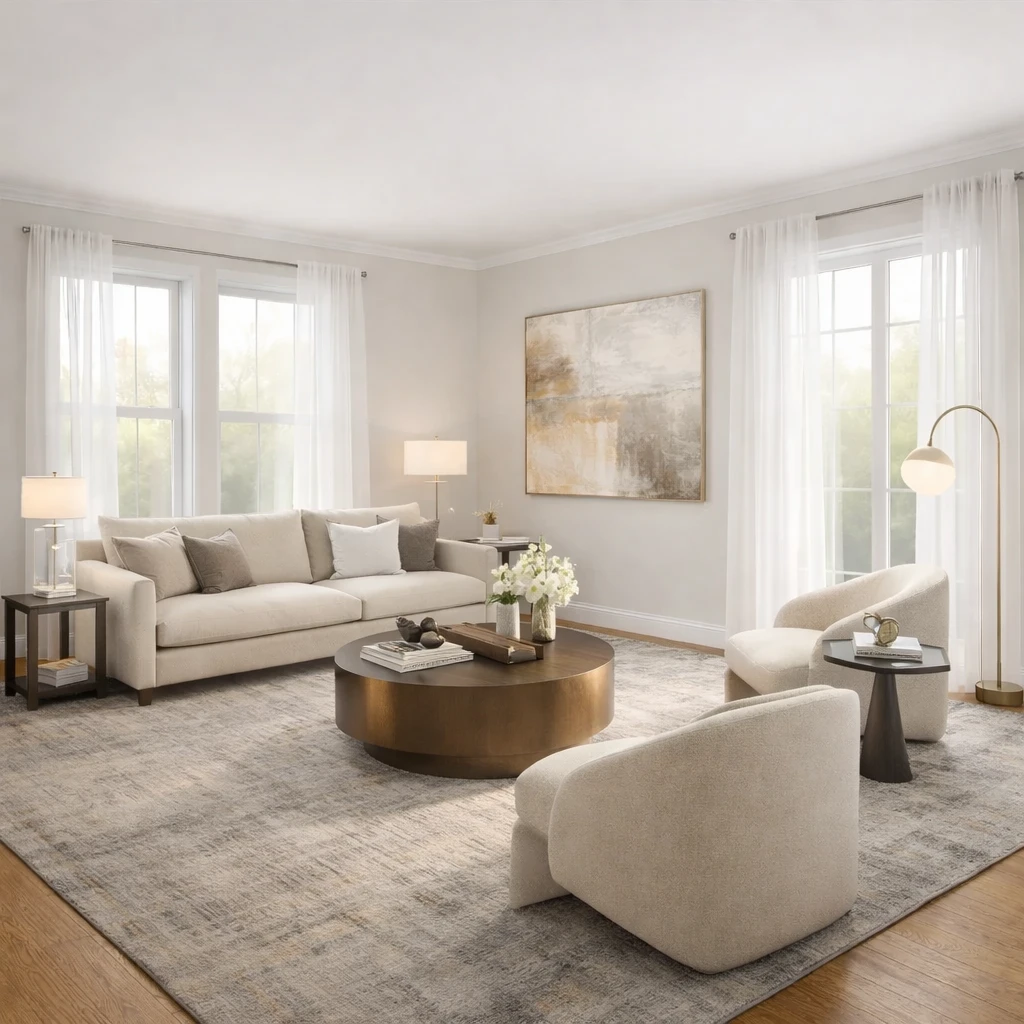
Protect circulation paths — 36 inches minimum
Main walkways need 36 inches of clear width. Secondary paths need 24 inches. Dining chairs need 36 inches behind them for comfort. Any layout that requires someone to squeeze sideways to reach a door or turn on a light will be reorganized within a week.
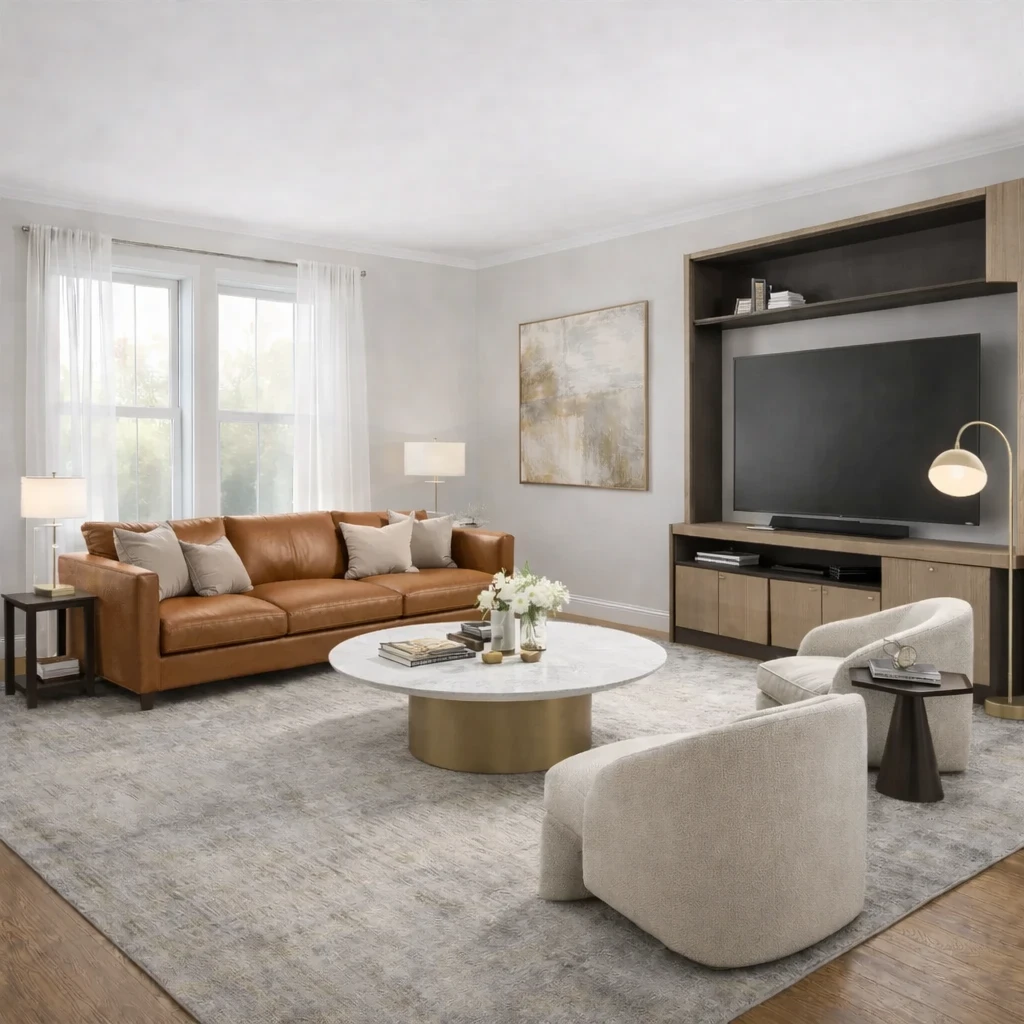
Float furniture away from the walls
The most common amateur mistake is pushing everything to the perimeter. Pull seating into the room to create intimacy, define zones with rugs, and let the walls breathe. A sofa 12 inches from the wall looks deliberate. A sofa against the wall looks like a hotel lobby.
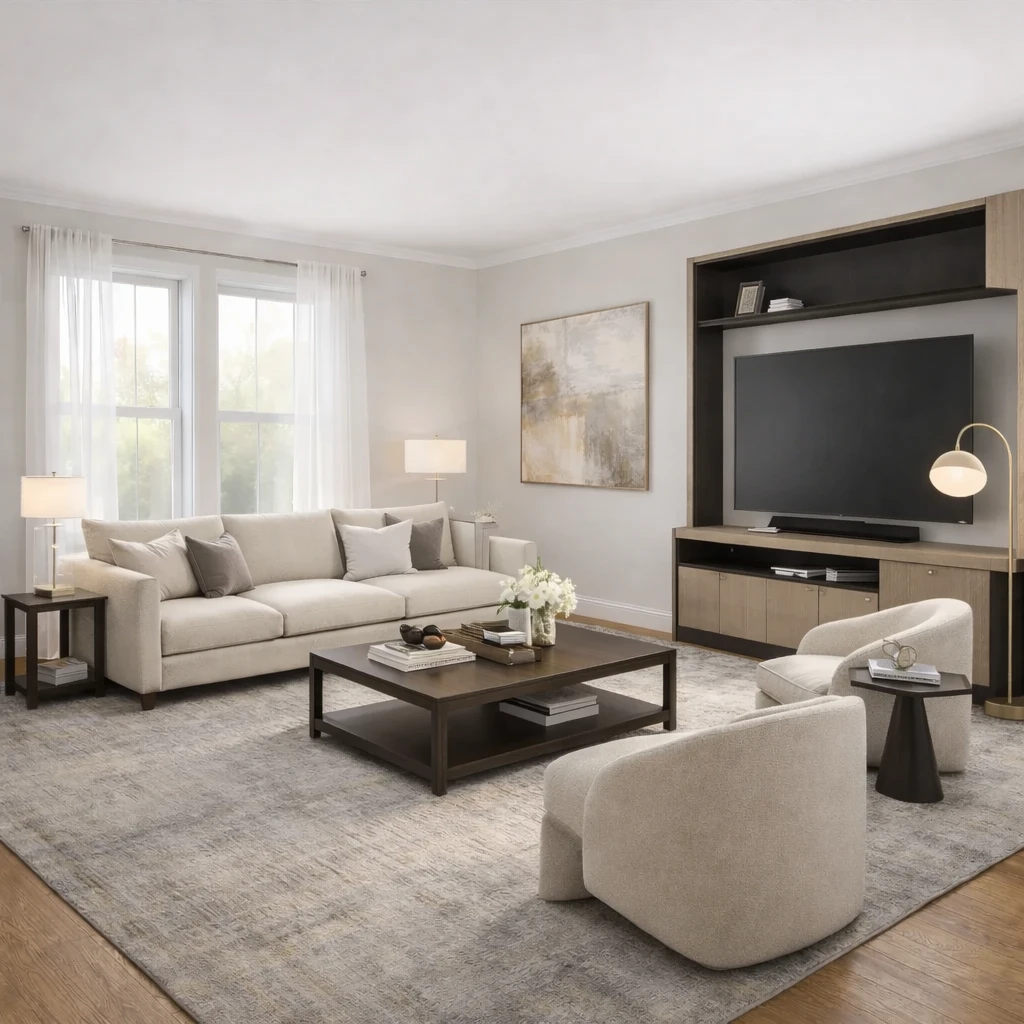
Test and adjust before committing
Use painter's tape to mark furniture footprints on the floor. Live with the tape layout for a few days. Walk the paths, open the doors, and sit in each zone before ordering anything. A layout that works on paper but fails in practice is a layout you will change — and moving heavy furniture more than once is avoidable.
Do this first
- 1Use one wide room photo with doors, windows, and the major furniture zone visible.
- 2Decide what you are testing first: layout, style direction, or product fit.
- 3Generate at least two or three directions before choosing a winner.
- 4Use the strongest result as the brief for your next purchase decisions.
Before you buy
- !Check measurements before buying large items, even if the concept looks right.
- !Compare at least one lower-cost and one higher-cost alternative before checkout.
- !Review delivery windows and return terms for larger pieces.
- !Save the chosen direction so future purchases stay visually consistent.
Best for
- Living rooms, bedrooms, offices, and apartments where layout is the main blocker
- People deciding what to buy before they order furniture
- Testing if a new arrangement feels more open or more functional
Know before you start
- iNot a CAD floor-planning or contractor-drawing tool
- iNot a substitute for exact onsite measurements before final purchase
- iNot ideal when you need permit-ready renovation documentation
Source Furniture After the Layout Direction Is Clear
Use the chosen layout to shortlist furniture that supports the plan instead of browsing products without room context.
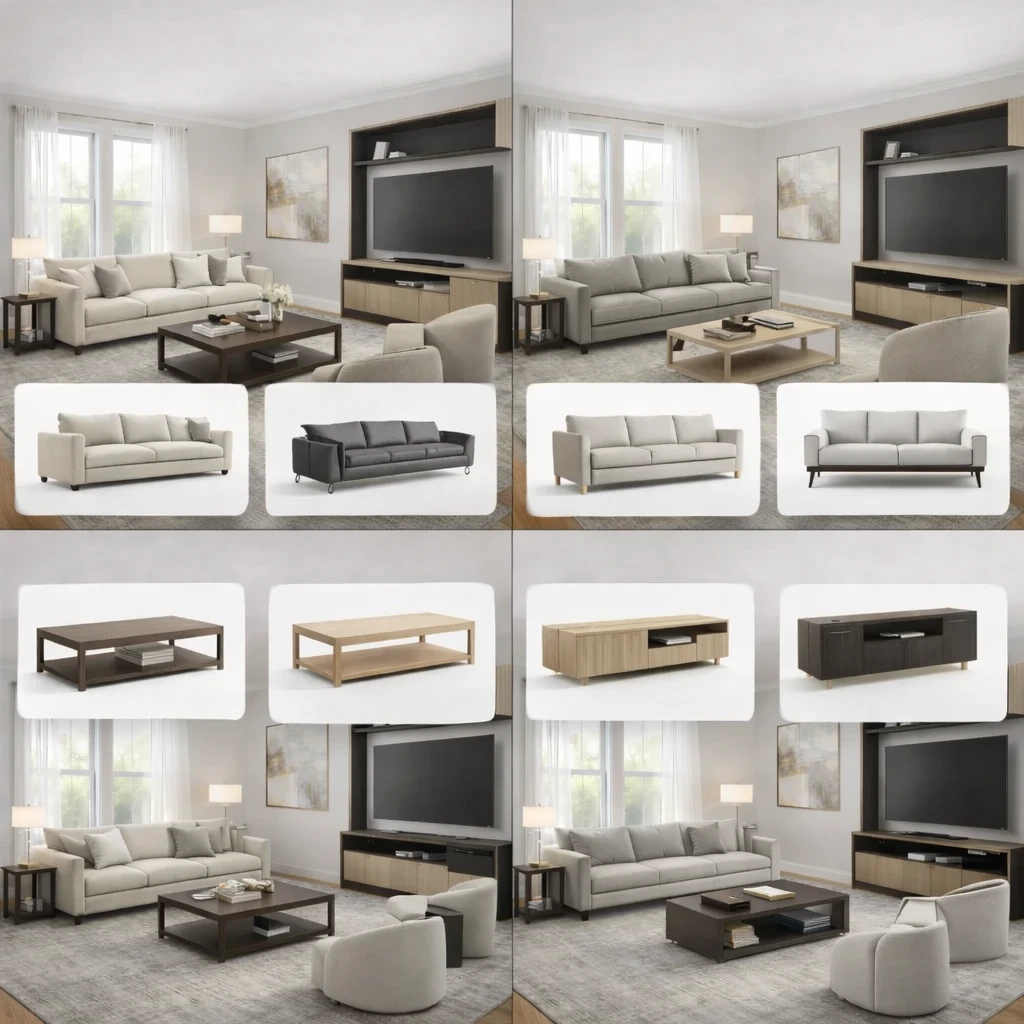
Stage 1
Product matching from your room context
Recommendations are generated from the actual room concept—not generic mood boards. Each product suggestion is sized and positioned to work with your specific room proportions, lighting conditions, and existing architectural features.
Stage 2
Compare alternatives by style, price, and availability
Review multiple matched options across different retailers (Amazon, IKEA, eBay, and regional stores) and choose the price-quality tradeoff that fits your budget. Compare delivery times, return policies, and customer reviews alongside visual fit.
Stage 3
Apply swaps before purchase
Preview replacements directly in the visual concept—no need to order, return, and reorder to find what works. Test whether a less expensive alternative achieves similar visual impact before committing your budget.
AI Room Planner FAQs
Questions people ask when using a room photo to test layout and furniture directions.
What Innie can do for ai furniture placement from your room photo
More AI design tools
Browse all guidesAI Room Planner From Photo
Compare layout directions against your actual room before moving furniture or committing to purchases.
Bedroom Visualizer – Preview Designs in Your Room
Test bed placement, storage, and lighting in your actual bedroom before you move a single piece.
Dorm Room Visualizer – Preview Your Dorm Makeover
Test layouts, storage, and no-drill upgrades in your actual dorm before move-in day.
Home Office Visualizer – Preview Your Workspace
Test desk placement, glare, and storage in your actual room before you buy the wrong desk.
Living Room Visualizer – Preview Layouts in Your Room
Test layouts, sofas, and rugs in your actual living room so the next purchase lands right the first time.
AI Furniture Placement for Real Rooms
Upload your room photo to test furniture directions that improve flow, balance, and everyday function.
Try AI Furniture Placement From Your Room Photo on your own room
AI furniture placement tool for real rooms. Test furniture layouts on your room photo, compare directions, and buy with more confidence.
Free to start. No credit card required.
See the full Innie flow in one clean walkthrough.
Watch the real Innie workflow from upload to redesign to shoppable picks.

Innie
YouTube walkthrough