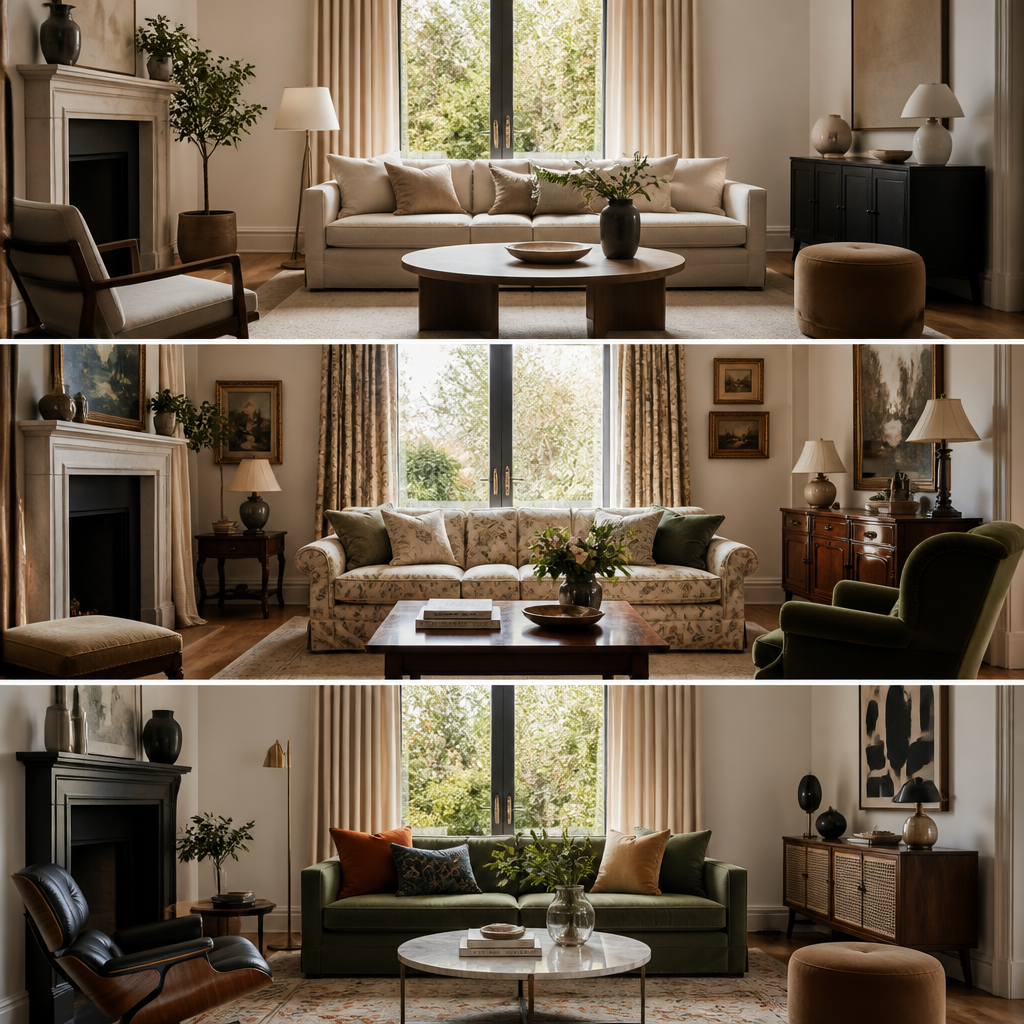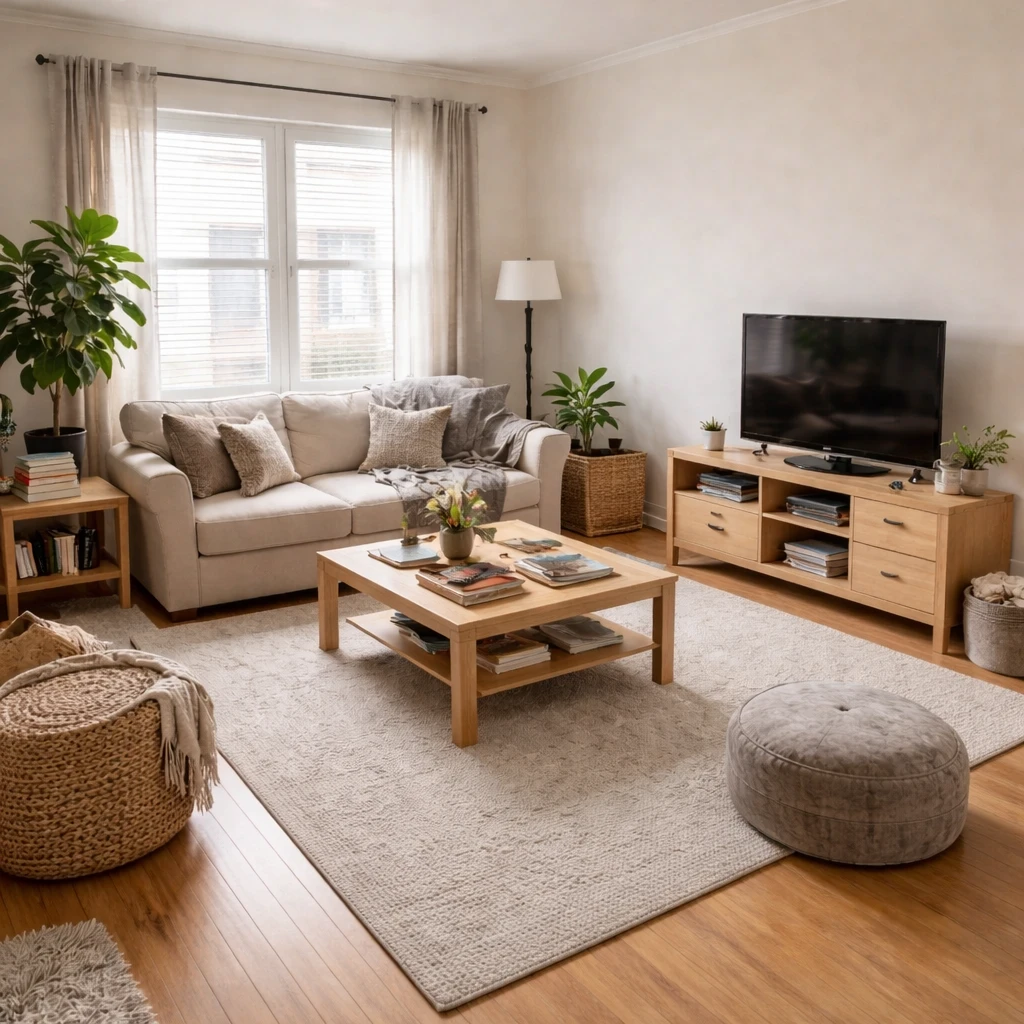
AI home decor tools generate decoration suggestions based on your existing furniture, color preferences, and style direction. Rather than designing entire rooms, these tools help with the finishing touches: wall art, pillows, throws, accessories, and the details that make a space feel personal.
AI decor tools work by analyzing your room photo and preferences, then suggesting items that complement what you already have. Some work from specific furniture pieces, others from overall style preferences. The best tools learn from your feedback, improving suggestions based on what you like and reject.
These tools solve a real problem: decorating feels overwhelming because there are infinite options. AI narrows possibilities to curated suggestions that work with your existing space. Use suggestions as inspiration, but trust your judgment on what actually resonates with you—these tools don't know your personal memories and情感.
What is worth borrowing
Modern visualization belongs inside a disciplined design process, not in place of one. The responsible sequence is still the old one: measure the room, define the problem, map fixed conditions, test a few layout and finish directions, then translate the best option into actual specifications. Rendered concepts, digital mockups, and fast iteration studies are useful because they shorten feedback loops, not because they remove the need for judgment. If the room's dimensions, circulation, and lighting have not been understood first, even the most convincing image is just attractive confusion.
The first safeguard is input quality. Any visual study should start from accurate dimensions, decent daylight photography, and a clear record of fixed elements such as windows, door swings, radiators, soffits, and existing cabinetry. A room study that ignores an 11-inch-deep radiator, a 32-inch door swing, or a 36-inch required path will generate ideas that look plausible and fail instantly in reality. This is why professional design still depends on floor plans and measured elevations. Images help people think. Measurements prevent people from lying to themselves.
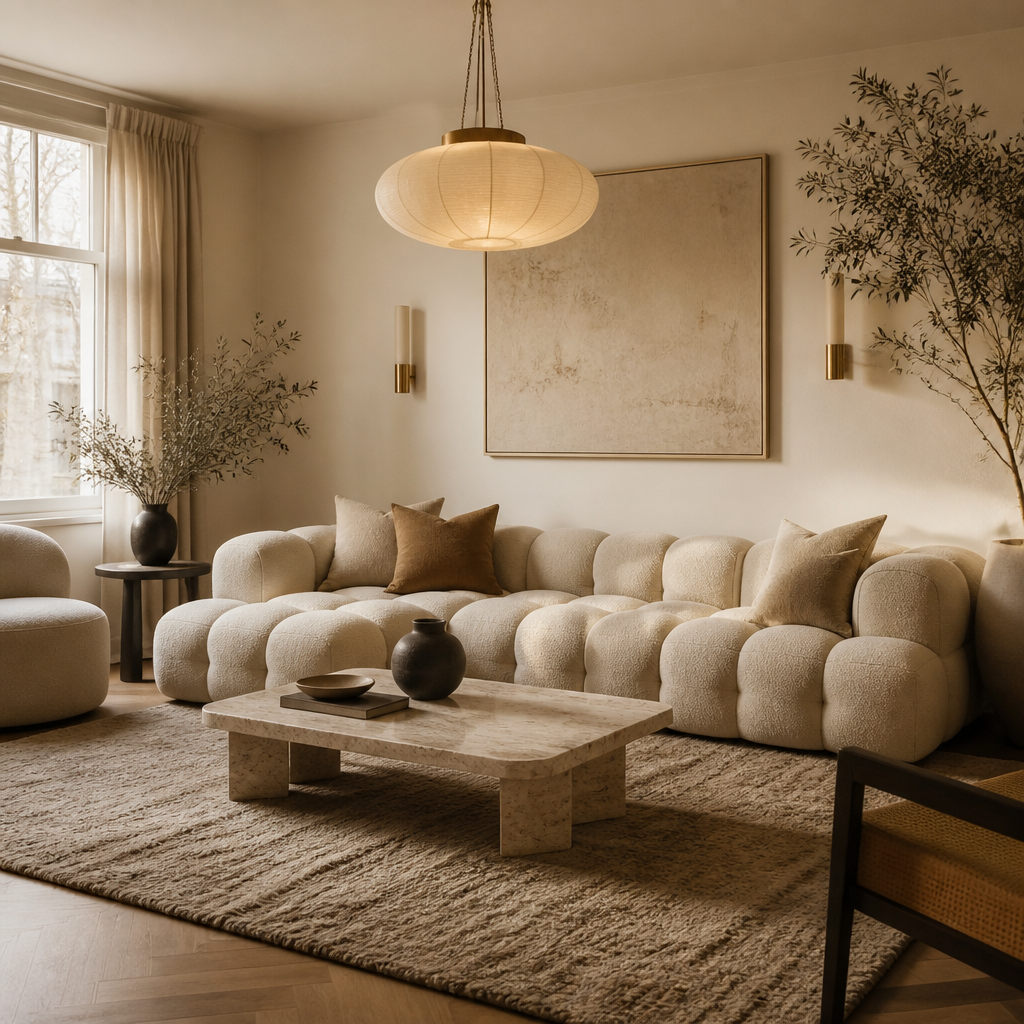
Iteration is most valuable when it compares a small number of real options against the same constraints. Test one direction that prioritizes openness, another that improves storage, another that strengthens the focal point or task zone. Evaluate each by hard criteria: does the seating preserve 36-inch circulation, do work surfaces receive enough light, does the rug anchor the furniture properly, do the materials suit the room's actual wear pattern? The point is not to produce endless novelty. The point is to make tradeoffs visible before money is committed.
How to turn ideas into a plan
Start with a clear, well-lit photo of the room
Stand in the doorway and capture the full room including windows, doors, and existing furniture. Even lighting without harsh shadows gives the best results. The quality of the output depends on the quality of the input — a dark, cluttered photo limits what any tool can produce.
Define the problem before asking for a solution
Write down what is not working: poor layout, dated colors, insufficient storage, wrong furniture scale. A specific prompt like "make this living room lighter and more functional for a family of four" produces better results than a vague "make it nice." The tool is a design partner, not a mind reader.
Generate multiple directions and compare them side by side
Request at least three style options for the same room. Compare mid-century modern, Scandinavian, and contemporary. Compare a warm palette against a cool one. The right answer usually emerges from contrast, not from the first attempt.
Evaluate results against measurable standards
Check that furniture proportions respect the room's dimensions (an 8-foot sofa in a 10-foot room is wrong). Check that lighting layers are present. Check that walkways maintain 36-inch clearances. A generated image can look attractive while violating basic spatial logic — your tape measure is the final authority.
Use the output as a communication tool, not a final answer
Share generated concepts with a contractor, painter, or furniture seller to convey your intent. Conceptual images prevent the gap between what you imagined and what another person understood. They are a brief, not a blueprint.
Refine iteratively based on what works
Keep what the generated result got right, discard what it got wrong, and regenerate with more specific constraints. Each round of iteration sharpens the direction. The best results come from three to five rounds, not from accepting the first output as-is.
What to filter out
Rendered concepts should also be treated like design briefs, not construction documents. Use them to clarify intent with household members, painters, millworkers, or contractors, but do not assume the image has solved junctions, rough-ins, tolerances, or electrical placement. A bedside sconce may look right in an image and still need a precise mounting height, junction box location, and switch plan. A new kitchen layout may seem resolved visually and still fail because landing zones are inadequate or the vent route is impossible. The ethical use of visualization is to reduce ambiguity, not to disguise the work that still needs actual detailing.
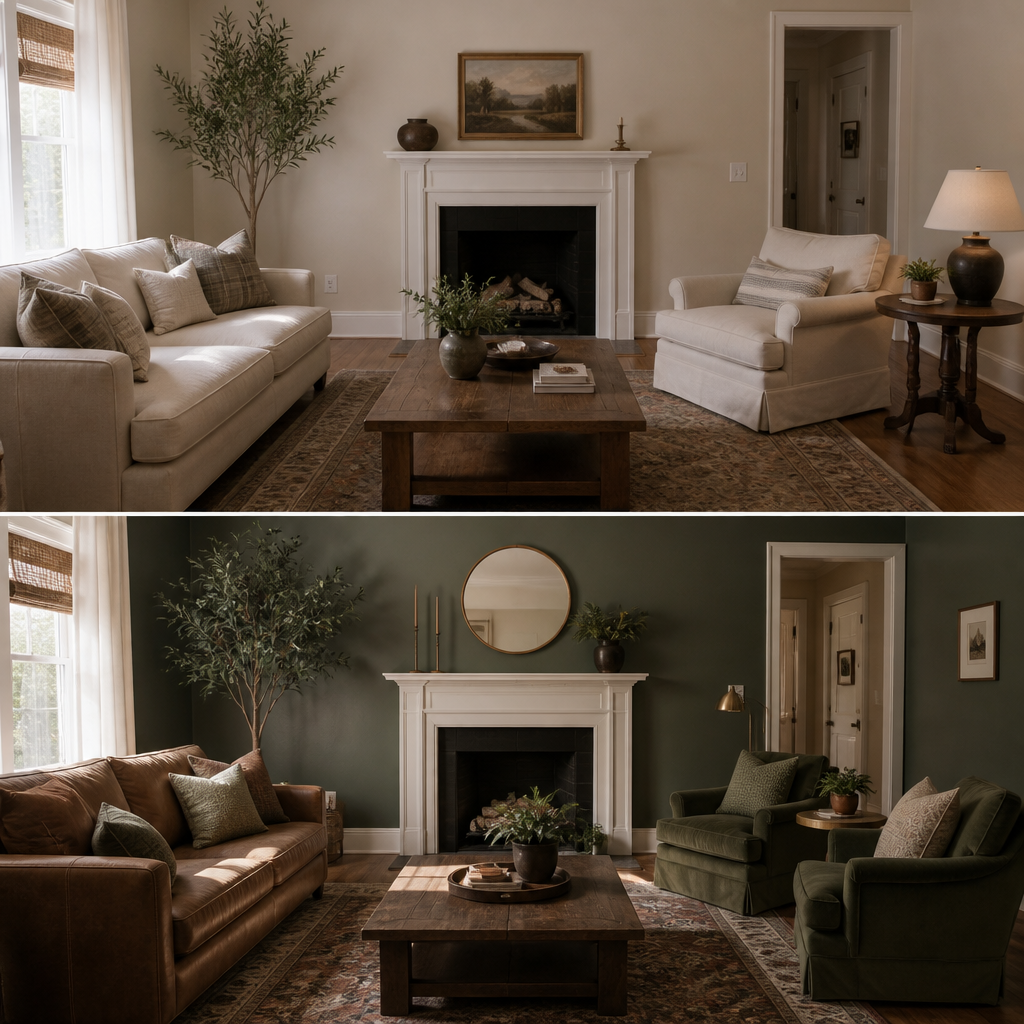
The strongest iterative process is selective and skeptical. Keep what the studies reveal clearly, discard what violates scale or function, and refine in fewer, sharper rounds rather than endlessly chasing new versions. A good room rarely emerges from one dazzling concept. It emerges from repeated comparison, ruthless editing, and the willingness to let measured reality outrank visual excitement. Used that way, modern visualization is not a shortcut around design thinking. It is simply a faster way to practice it well.