Couch Visualizer – See Any Couch in Your Room Before You Buy
Test depth, length, and chaise orientation at real scale so the couch fits the room and the walkway before delivery day.
Free to try. Sign in only to save your design.
Try the studio
Build your furniture preview here.
Upload a room, choose a style, then sign in only when you are ready to generate and save it.
1. Start with your room
Upload a photo or choose a sample to get started.
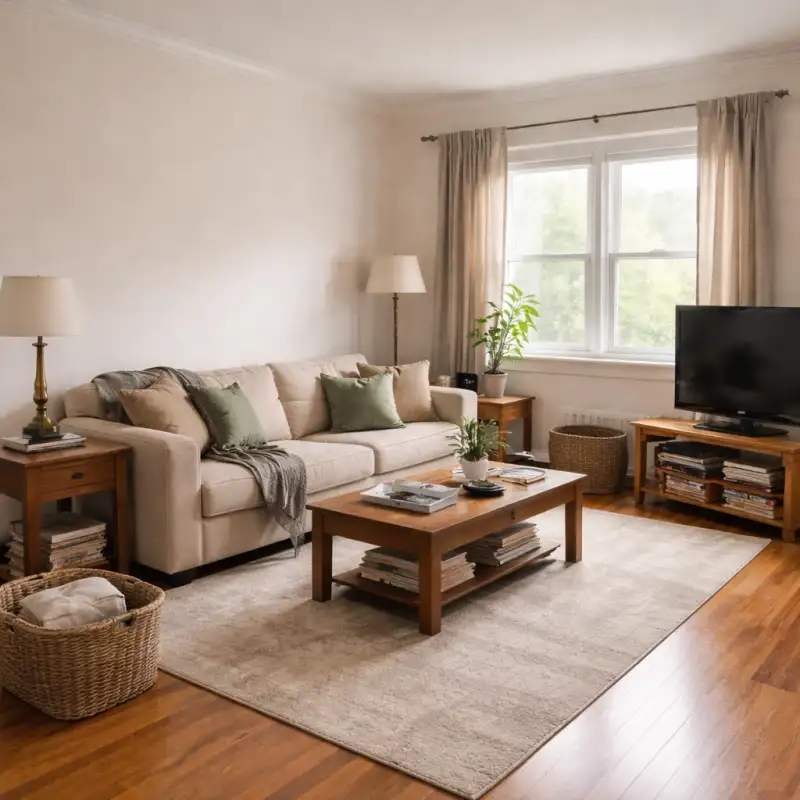
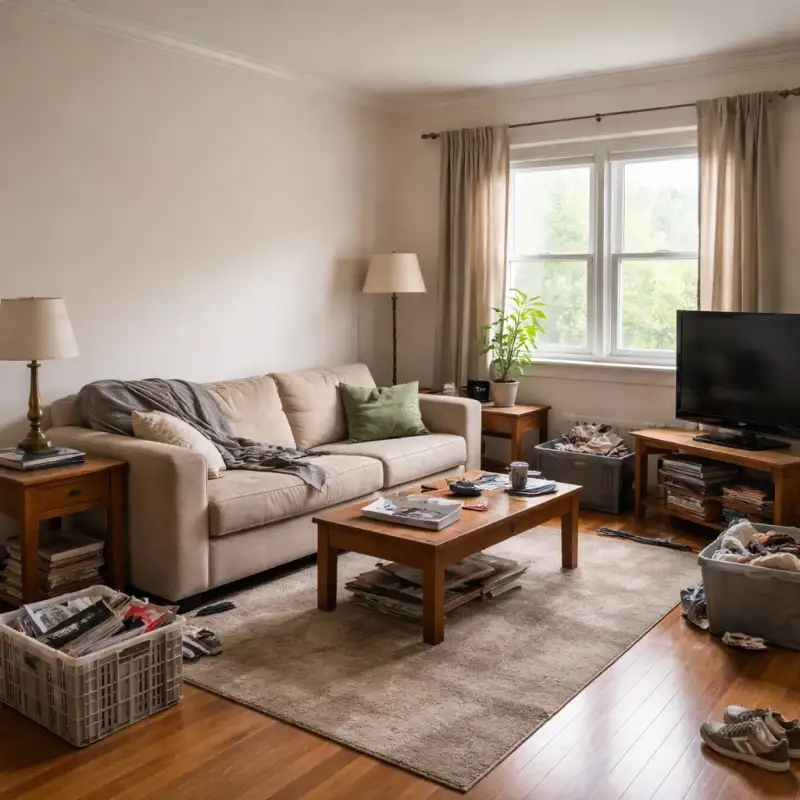
Examples
Real rooms, before and after
Tap or hover to see each transformation.
The couch is the most returned piece of furniture in the home, and the reason is almost never color or style. It is depth. A sofa that measures 40 inches deep instead of 36 can steal a walkway, crowd the coffee table, and make the whole room feel like it shrank on delivery day. Product pages show width prominently and bury depth, which is exactly the dimension your room cares about most.
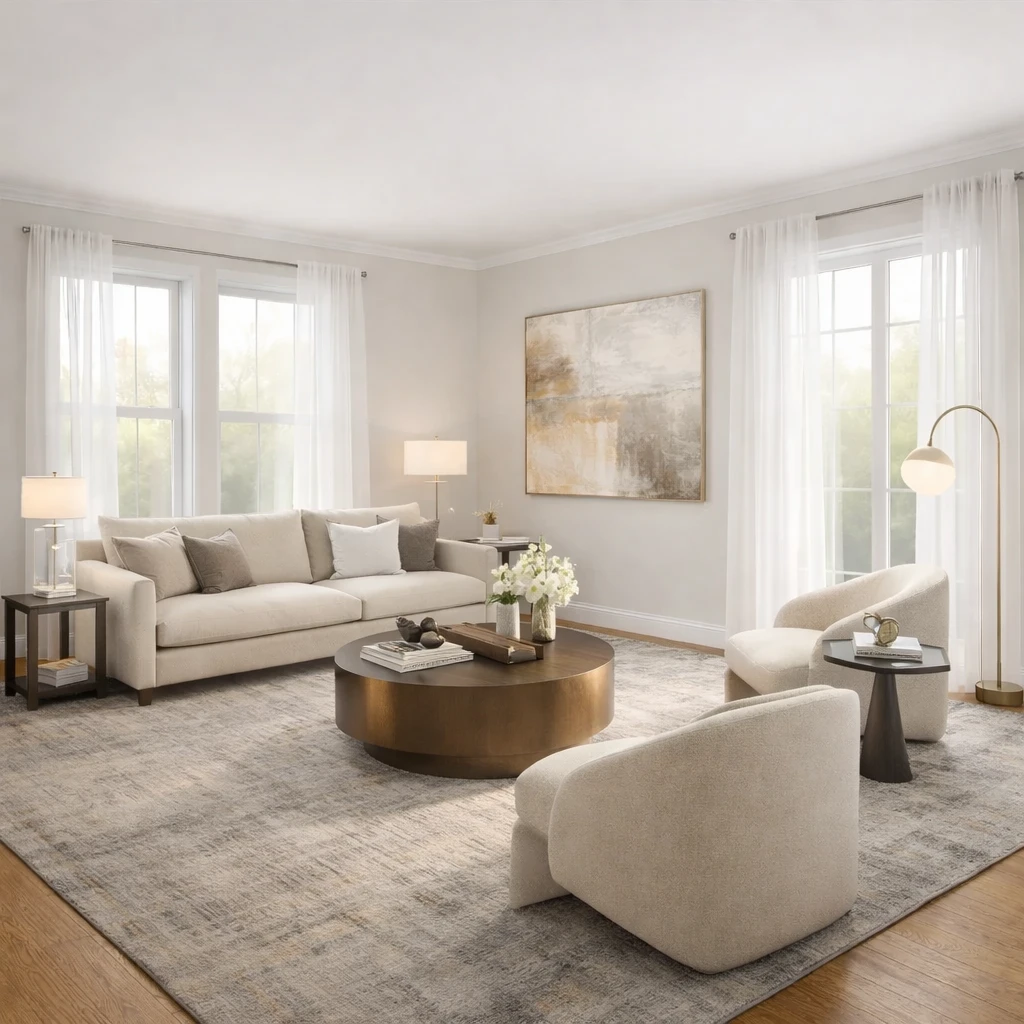
A couch visualizer tests the piece against your room instead of your imagination. Upload a photo of the seating zone — including the nearest walkway, the rug edge, and any door that swings nearby — and describe the couch you are considering. The preview shows its length, depth, and visual weight at your room's real scale, so the too-big sofa fails on your screen instead of in your home.
Sectionals add one more failure mode: chaise orientation. A left-arm chaise ordered for a room that needed right-arm means a return or a permanently awkward layout. Previewing the sectional in your actual room makes the correct orientation obvious, and lets you compare a full sectional against a sofa-plus-chair arrangement that might preserve more circulation. For tighter budgets and spaces, the same test works for loveseats, sleepers, and apartment-sized sofas.
How it works
Snap your room, compare design directions, and use the best result as your shopping and styling brief for couch visualizer – see any couch in your room before you buy.
Photograph the seating zone, not just the wall
Capture the wall the couch would sit on plus the nearest walkway, the rug edge, and any door that swings into the zone. The couch has to survive the whole area, not just the wall length.
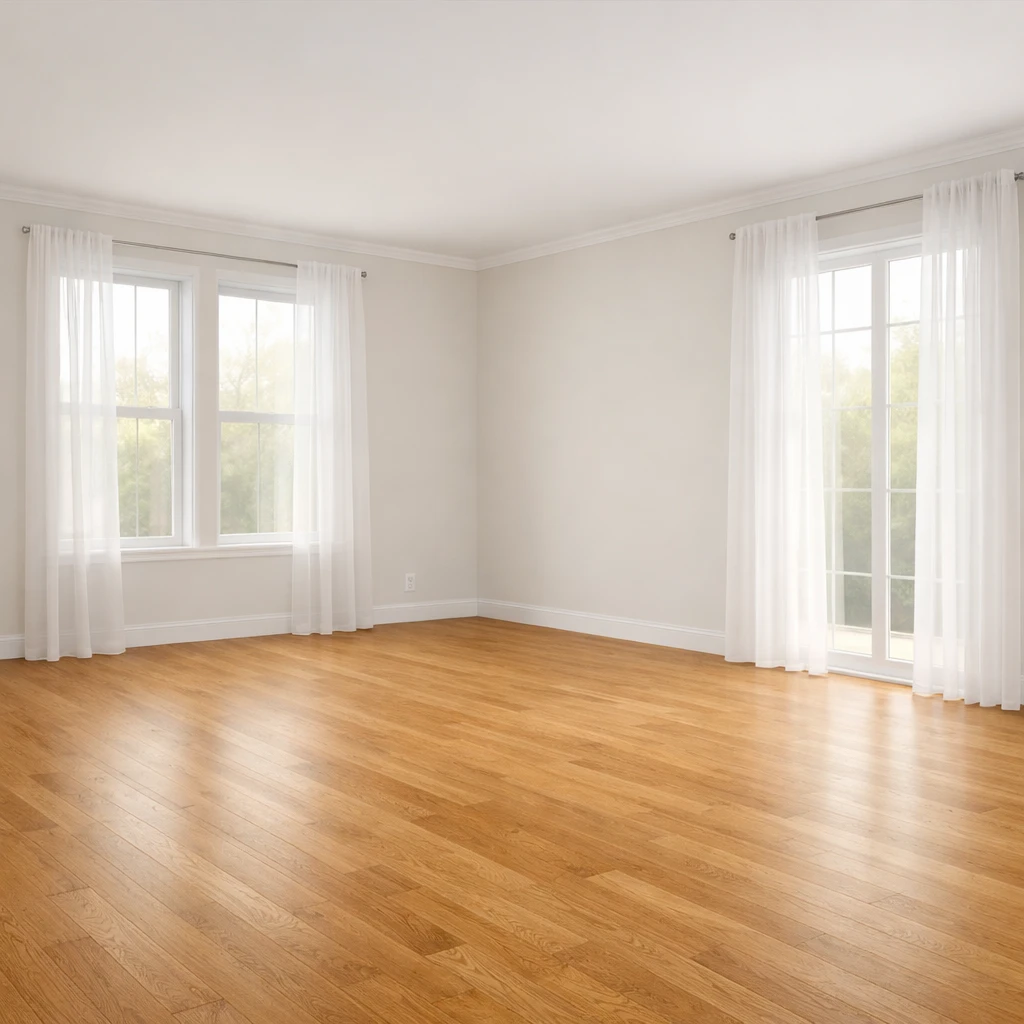
Describe the exact piece you are considering
Width and depth matter most, and for sectionals include which side the chaise should sit on. If you are torn between two sizes, plan to preview both — the comparison is where the answer lives.
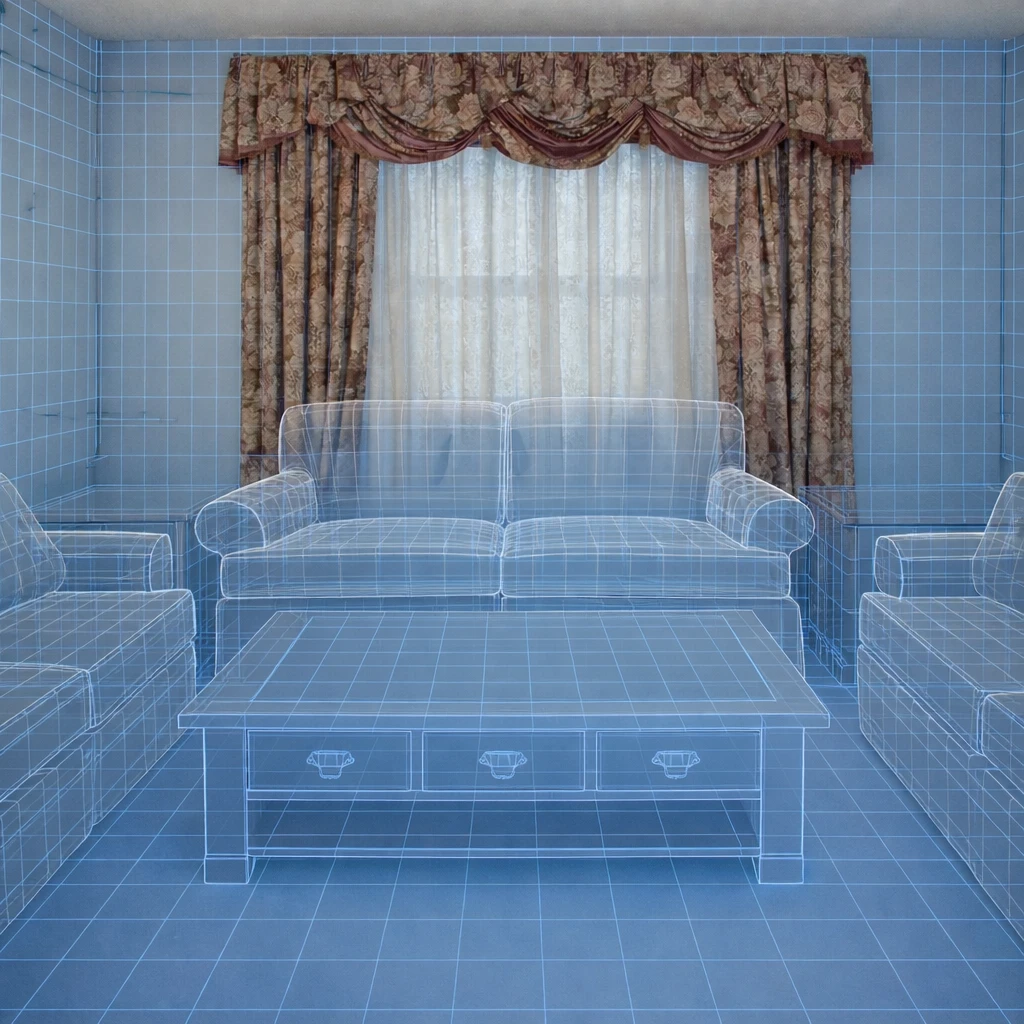
Read the preview for circulation first
Before judging style, check the walkways: roughly 36 inches on the main path, 14 to 18 inches to the coffee table. A couch that passes those checks will feel right in daily life, not just in the render.
Confirm the delivery route before ordering
Measure doorways, hallways, and stair turns against the piece's tightest dimension. The preview proves the couch fits the room; the tape measure proves it can reach the room.
Do this first
- 1Use one wide room photo with doors, windows, and the major furniture zone visible.
- 2Decide what you are testing first: layout, style direction, or product fit.
- 3Generate at least two or three directions before choosing a winner.
- 4Use the strongest result as the brief for your next purchase decisions.
Before you buy
- !Check measurements before buying large items, even if the concept looks right.
- !Compare at least one lower-cost and one higher-cost alternative before checkout.
- !Review delivery windows and return terms for larger pieces.
- !Save the chosen direction so future purchases stay visually consistent.
Best for
- Sofa, rug, accent chair, and decor comparisons
- People trying to avoid expensive returns
- Choosing between budget, mid-tier, and premium alternatives
Know before you start
- iNot a guarantee of exact dimensional fit
- iNot a substitute for checking delivery access
- iNot for structural renovation planning
Compare Real Alternatives Before Checkout
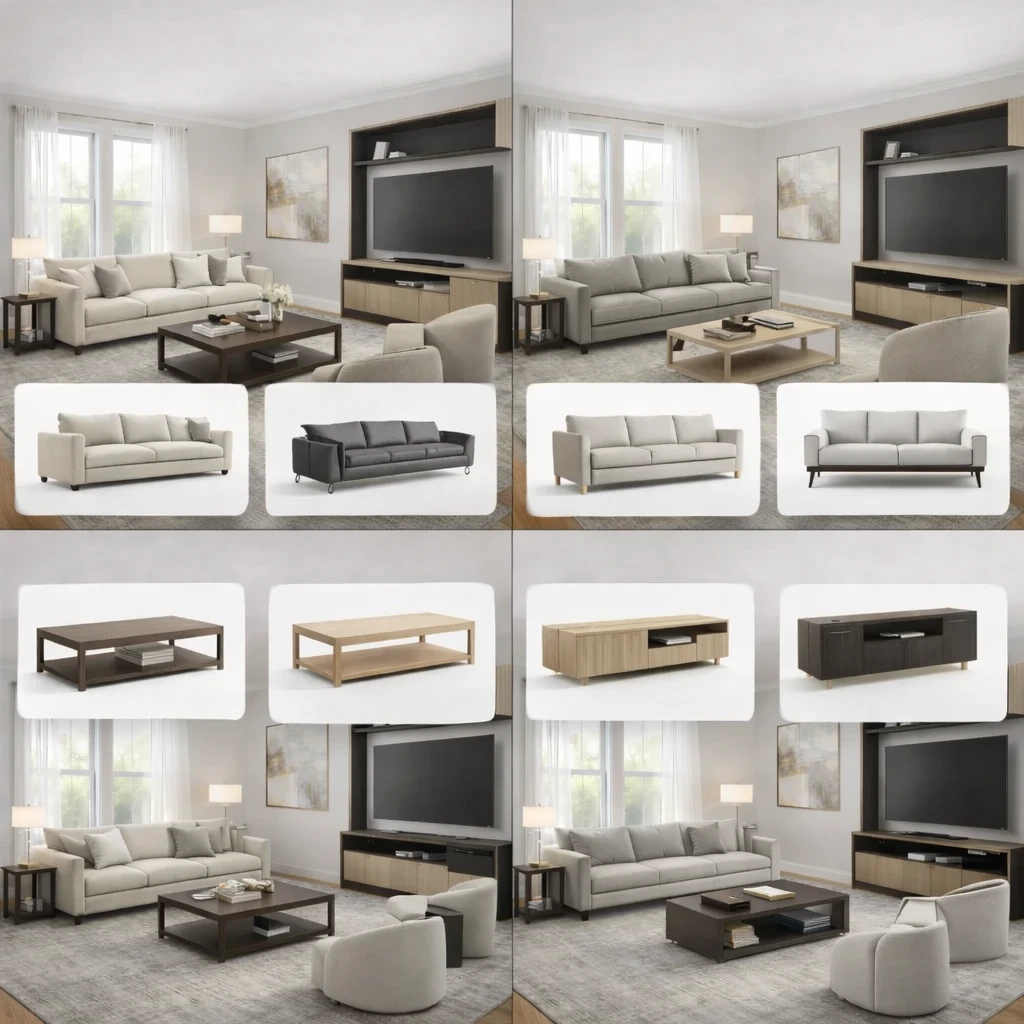
Use the chosen direction to compare price tiers, materials, and retailer terms without losing room context.
Stage 1
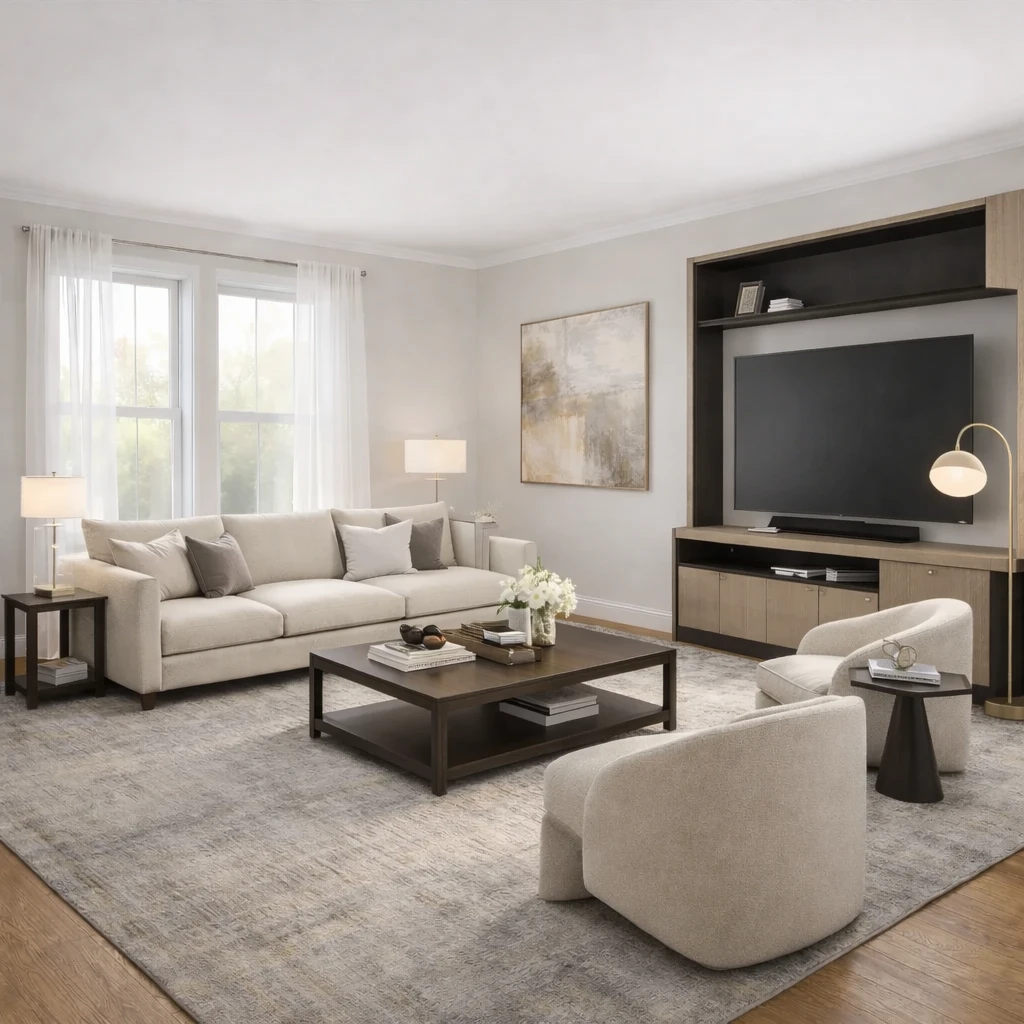
Product matching from your room context
Recommendations are generated from the actual room concept—not generic mood boards. Each product suggestion is sized and positioned to work with your specific room proportions, lighting conditions, and existing architectural features.
Stage 2
Compare alternatives by style, price, and availability
Review multiple matched options across different retailers (Amazon, IKEA, eBay, and regional stores) and choose the price-quality tradeoff that fits your budget. Compare delivery times, return policies, and customer reviews alongside visual fit.
Stage 3
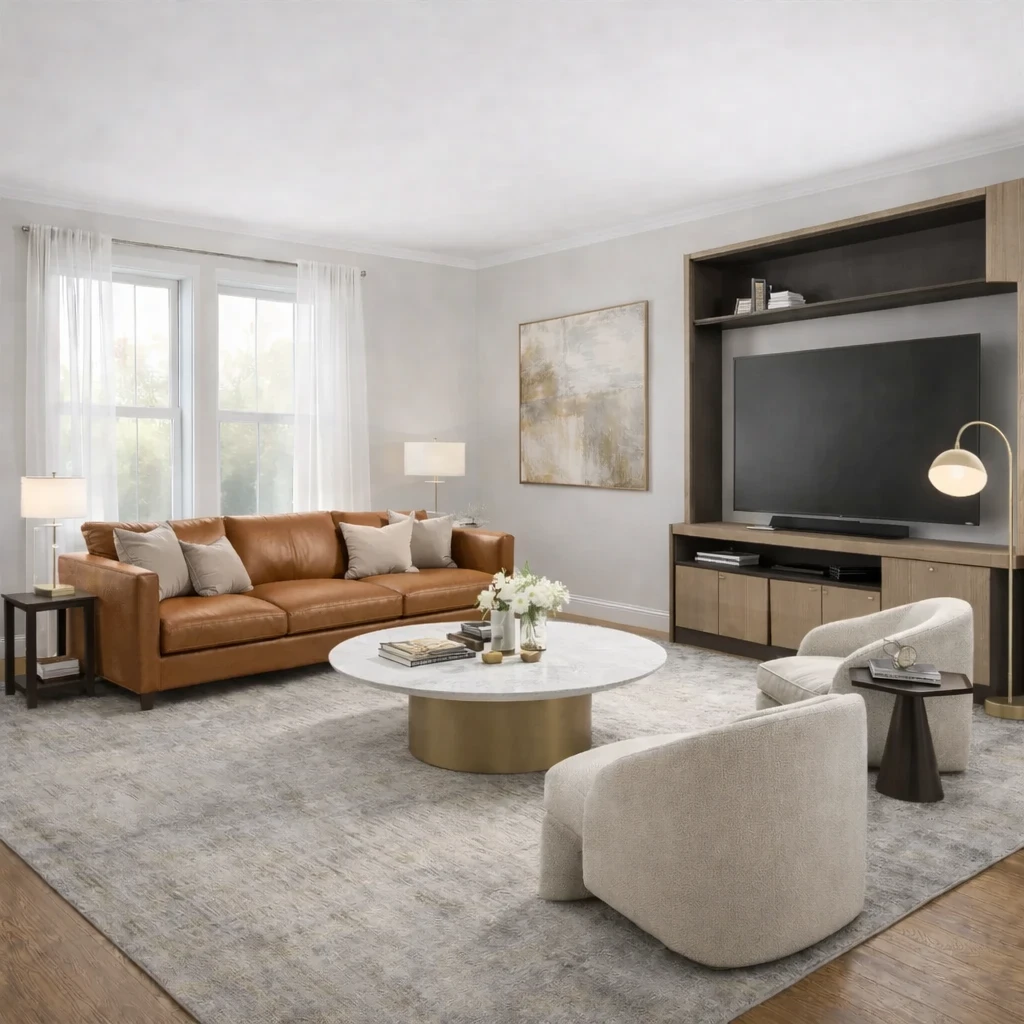
Apply swaps before purchase
Preview replacements directly in the visual concept—no need to order, return, and reorder to find what works. Test whether a less expensive alternative achieves similar visual impact before committing your budget.
Product Comparison FAQs
Quick answers to the practical questions people ask before uploading a room photo or buying products from a concept.
What Innie can do for couch visualizer – see any couch in your room before you buy
More AI design tools
Browse all guidesAI Room Planner From Photo
Compare layout directions against your actual room before moving furniture or committing to purchases.
Bedroom Visualizer – Preview Designs in Your Room
Test bed placement, storage, and lighting in your actual bedroom before you move a single piece.
Dorm Room Visualizer – Preview Your Dorm Makeover
Test layouts, storage, and no-drill upgrades in your actual dorm before move-in day.
Home Office Visualizer – Preview Your Workspace
Test desk placement, glare, and storage in your actual room before you buy the wrong desk.
Living Room Visualizer – Preview Layouts in Your Room
Test layouts, sofas, and rugs in your actual living room so the next purchase lands right the first time.
AI Furniture Placement From Your Room Photo
Upload your room photo to compare furniture directions that improve flow, balance, and function before you move or buy anything.
More from this category
Try Couch Visualizer – See Any Couch in Your Room Before You Buy on your own room
Use a couch visualizer to test sofa depth, length, and visual weight in your actual room. Preview sectionals, loveseats, and sleepers from your photo before you buy.
Free to start. No credit card required.
See the full Innie flow in one clean walkthrough.
Watch the real Innie workflow from upload to redesign to shoppable picks.

Innie
YouTube walkthrough