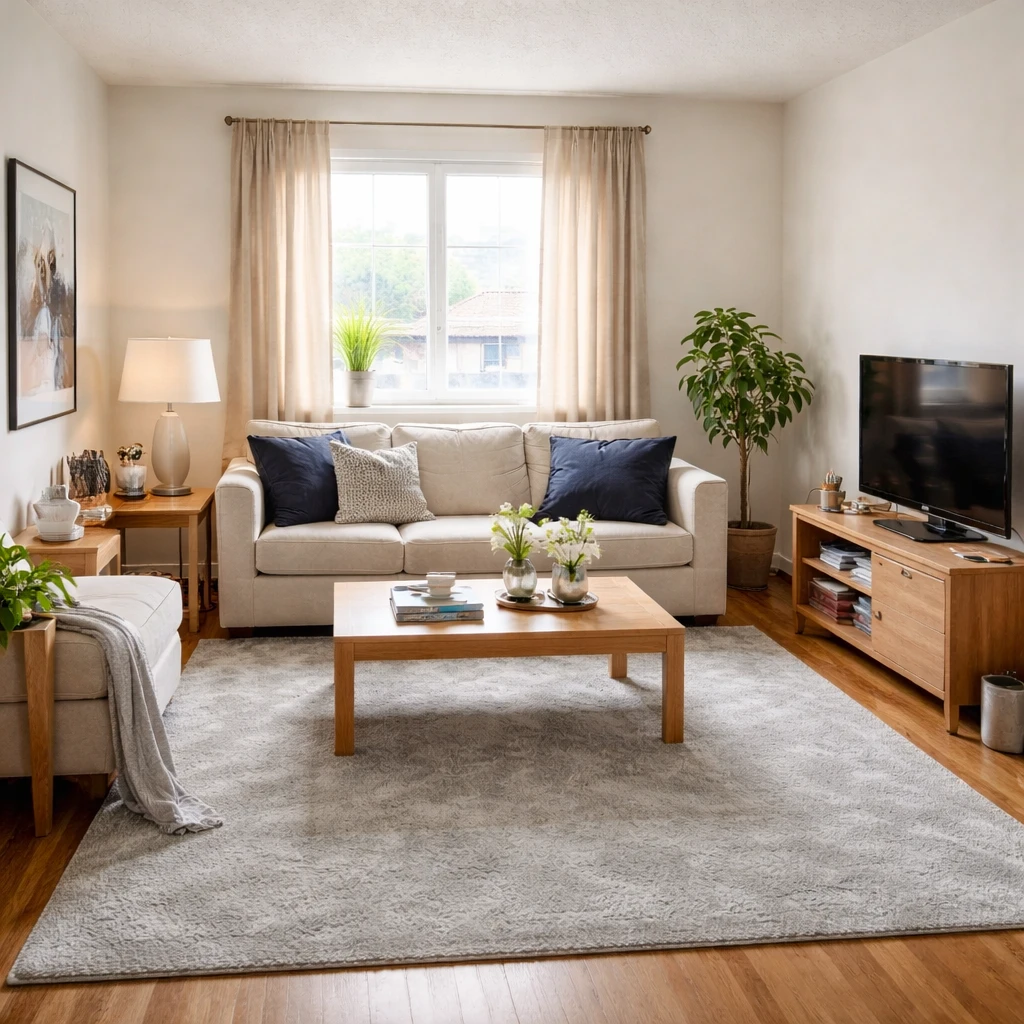
The way you arrange furniture matters more than the furniture itself. Even beautiful, expensive pieces create a chaotic room when poorly positioned. Start by deciding whether your living room's main job is conversation, TV viewing, or mixed use—then build your layout around that priority. The most common mistake is pushing everything against the walls, which actually makes rooms feel smaller and creates dead space in the center. Instead, float your seating toward the middle and create a conversation area that welcomes people to sit down and connect.
Professional interior designers consistently emphasize the importance of a focal point—a visual anchor that organizes everything else in the room. This could be a fireplace, large window, television, or statement artwork. Once you've identified your focal point, arrange seating to face or angle toward it. The National Association of Realtors reports that 83% of buyers' agents say staging helps buyers visualize a property as their future home, and living rooms are staged most often (91% of the time). The principle applies to your own planning: a clear focal point makes decisions easier and the room more cohesive.
Use this guide as a decision framework: first identify your focal point and main use priority, then arrange the largest piece (usually your sofa) and build outward. Compare at least two layout options before committing. Measure your space and use painter's tape to visualize furniture placement before buying. When you want to see the result before spending anything, upload a photo to the free AI furniture visualizer and test different arrangements in your actual room — then verify measurements, door widths, and delivery access before purchasing. A good rule: no main walkway should be narrower than 36 inches, and every seating position should have access to a surface for drinks and personal items.
What matters most
A planning-oriented living room guide has to begin with function because most living room frustrations are not really style frustrations at all. People say the room feels off when conversation is awkward, television viewing feels strained, traffic cuts through the seating group, or the whole space looks expensive and still somehow unfinished. Those are usually layout and lighting problems disguised as aesthetic dissatisfaction. The useful continuation of a living-room guide is therefore diagnostic: identify what the room is failing to support before trying to beautify it further.
Most living rooms improve once the hierarchy becomes clear. What is the room primarily for: conversation, media, family lounging, reading, entertaining, or a mix of those? That answer determines the focal point, seating density, and acceptable circulation tradeoffs. A room can support more than one activity, but it cannot make every activity primary at once. Good planning means choosing the room's main job and then arranging the biggest pieces to support it honestly instead of asking every seat to face everything all the time.
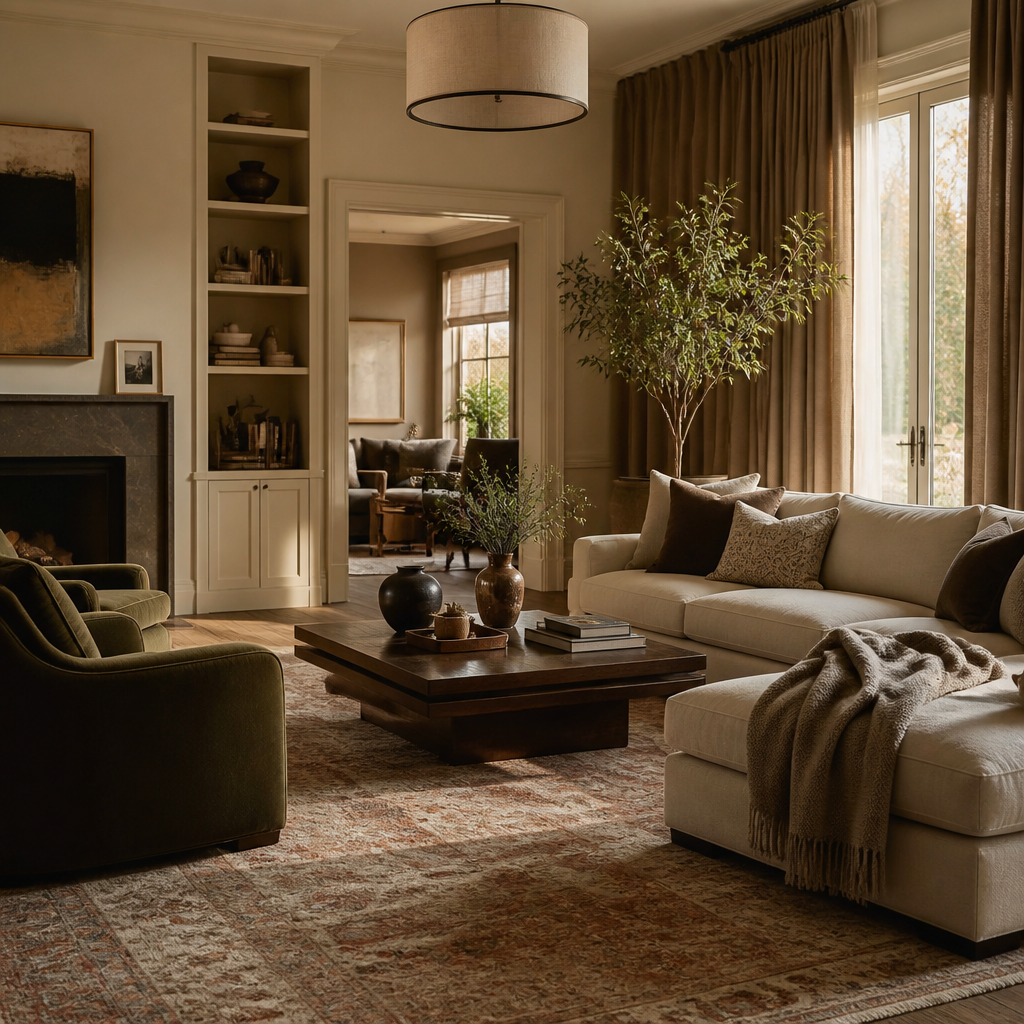
Decorating a living room on a budget is mostly a sequencing discipline. The highest-impact moves cost nothing: re-hang the layout around one focal point, pull seating off the walls into a real conversation group, and remove the pieces that block circulation. After that, spend in order of visual return — paint, then lighting, then textiles — because those three change how every existing piece reads. Save the largest share for one correctly sized anchor, usually the sofa, and let smaller pieces wait. The classic budget failure is spreading money thin across many decorative items while the rug stays too small and the overhead bulb stays lonely.
Small living rooms follow the same rules, enforced more strictly. Treat the room as a proportion problem, not a storage shortage: check sofa depth before sofa width, protect a 36-inch main walkway, and choose a rug big enough to anchor the whole seating group rather than a postage stamp under the coffee table. Exposed-leg furniture, one strong focal point, and lamps at multiple heights keep a compact room feeling intentional instead of squeezed. A few correctly proportioned pieces will always beat many undersized ones scattered around the perimeter.
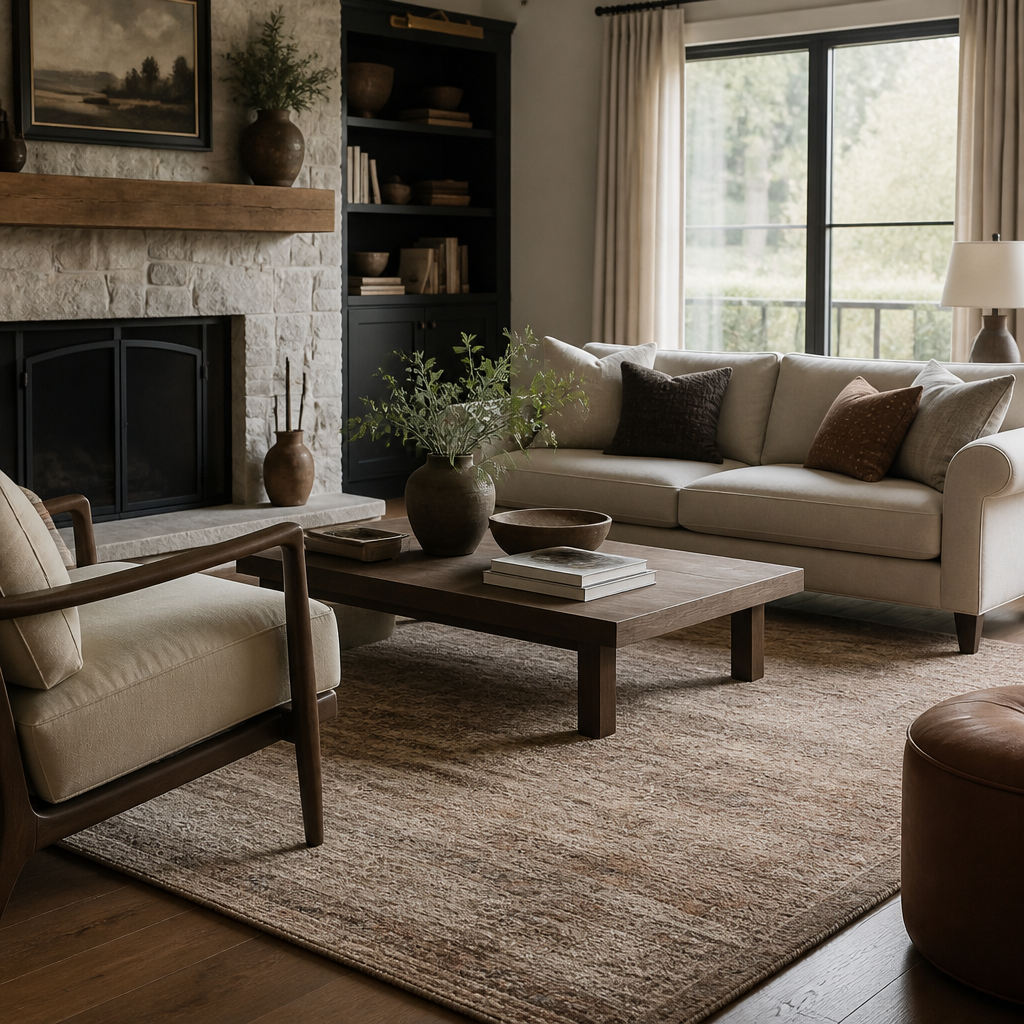
How to approach it
Measure the shell and decide what the room faces
Start with wall lengths, windows, doors, fireplaces, and built-ins, then identify whether the room is truly oriented around conversation, television, a view, or some mix of those. If the focal point is unclear, the layout will feel indecisive no matter how good the furniture is.
Write the room brief from real life, not aspiration
A family lounge, a formal sitting room, and a multi-use room with toys or occasional work all need different seating density and storage logic. Decide what the room does most often, who uses it, and whether the priority is talking, watching, reading, or hosting, then let that answer govern the arrangement.
Protect the main circulation routes before adding pieces
Keep the dominant paths clear and easy to read, generally around 36 inches minimum and more where traffic is constant. If guests have to slalom around table corners or cut through the center of the seating group to reach another room, the layout is asking the space to do too much.
Anchor the furniture by real spacing rules
Coffee tables usually belong about 14 to 18 inches from the sofa edge, conversation seating generally wants roughly 3.5 to 5 feet between seats, and rugs should unify the group rather than sit as isolated islands under one small table. These distances are what make a room feel natural instead of subtly off.
Build light for day, evening, and use type
Layer general illumination with reading or task light and then softer evening light so the room can shift from practical to relaxed without relying on one bright ceiling fixture. Good living rooms feel different at 9 PM than they do at 10 AM, and the lighting plan should support that deliberately.
Add storage for the clutter the room actually attracts
Media equipment, throws, toys, books, chargers, and day-to-day objects need somewhere believable to live or the room will dissolve back into mess regardless of styling. Finish by editing out extra pieces that block movement or duplicate function. A strong living room feels easy because very little in it is accidental.
What to pressure-test
The measurable corrections are usually straightforward. Coffee tables, side tables, seat spacing, rug scale, and walkway protection do more to settle a room than another round of decorative shopping. Undersized rugs and wall-hugging furniture are common because they feel safer during setup, but they often make rooms feel more disconnected and less intimate. Lighting has the same effect: a single ceiling source flattens the room, while lamps at multiple heights allow evening use to feel intentionally different from daylight use. Good living rooms do not just read well from the doorway. They keep working after sunset and after people actually sit down.
Not sure how a new sofa or rug will actually look in your space? Stop reading about decorating and test it: upload a photo of your living room to the free AI furniture visualizer and compare how different pieces sit at your room's real scale and light before you buy. It turns the advice in this guide into something you can see instead of something you have to imagine.
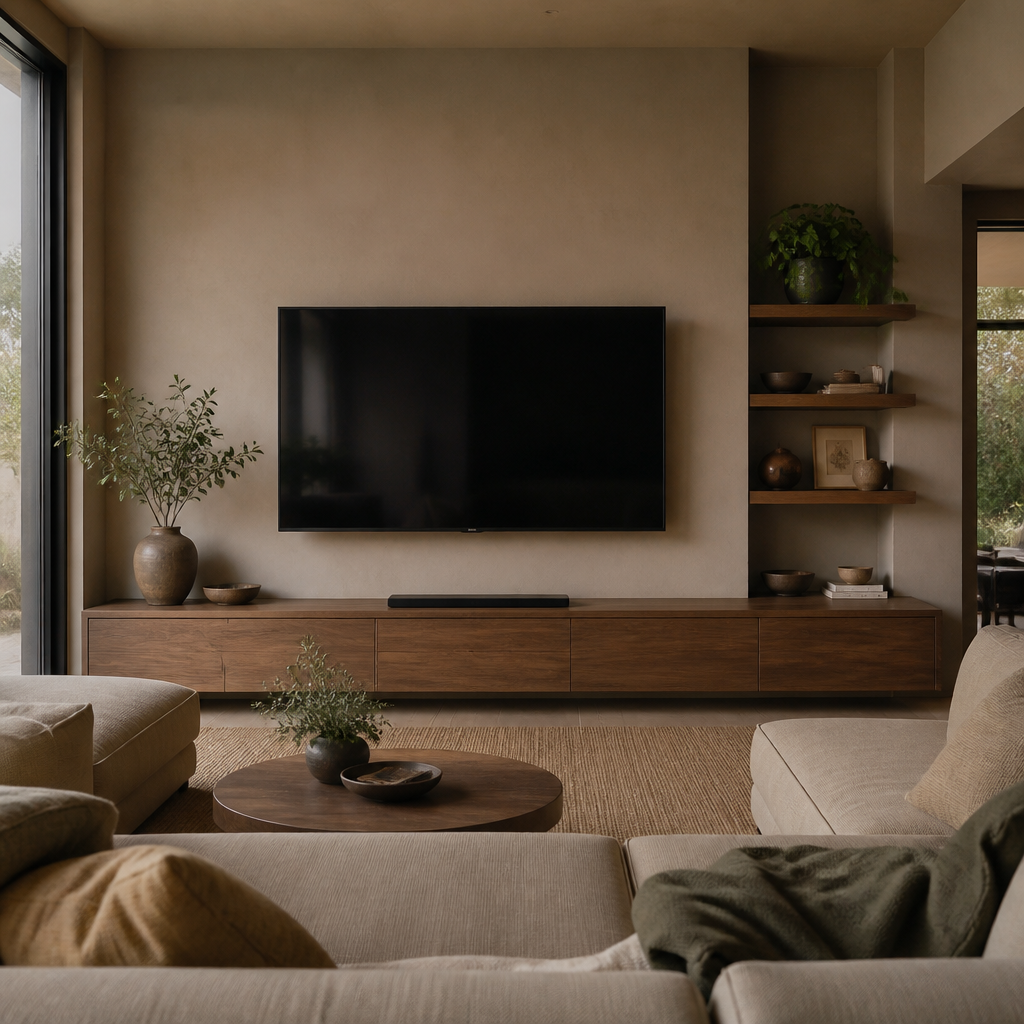
Storage and visual editing also matter more than many living rooms admit. If toys, remotes, blankets, work materials, or pet gear have no logical home, they become permanent decor whether anyone likes it or not. That is why even beautiful living rooms can feel restless. The room needs enough containment that daily life does not immediately dissolve the plan. A bench, console, media cabinet, lidded basket, or built-in often does more for a living room's dignity than one more accent chair ever will.
The mistakes worth pressure-testing are consistent across most failing living rooms: a rug that only touches the coffee table, every piece of furniture pushed flat against the walls, two focal points competing for the same seats, one overhead light doing all the work, and a sofa bought on looks whose depth kills the main walkway. Each one is cheap to catch early — with painter's tape, a tape measure, or a photo-based preview — and expensive to live with once the room has been built around it.
A useful living-room guide should therefore teach sequence: define the room's primary use, place the anchor furniture, protect movement, size the rug and tables correctly, then solve lighting and storage before worrying about the final decorative layers. That is what makes a practical how-to page distinct from general living-room inspiration. The best living rooms feel natural not because they are casual, but because a lot of measured decisions were made well enough that nobody has to think about them anymore.
