Living Room TV Layout That Balances Viewing and Conversation

This page helps you lock circulation, task zones, and focal points first so furniture purchases support real daily use rather than creating new constraints.

Set viewing distance and glare control first, then arrange seating so the room still supports social use.

TV and seating layout guide • How-to steps, product sourcing, research references, and actionable checklists included.

How to Layout a Living Room With TV beforeHow to Layout a Living Room With TV after

How to Layout a Living Room With TV

Tap labels to compare before and after

how to layout a living room with TV: A layout-first plan with clear tradeoffs documented before spending on products you'll commit to for years

Who this is for: Homeowners, remote workers, and families optimizing room flow, daily productivity, and long-term usability of their living spaces

Intent: Find a layout that balances movement patterns, functional zones, and aesthetic appeal without costly trial-and-error furniture rearranging

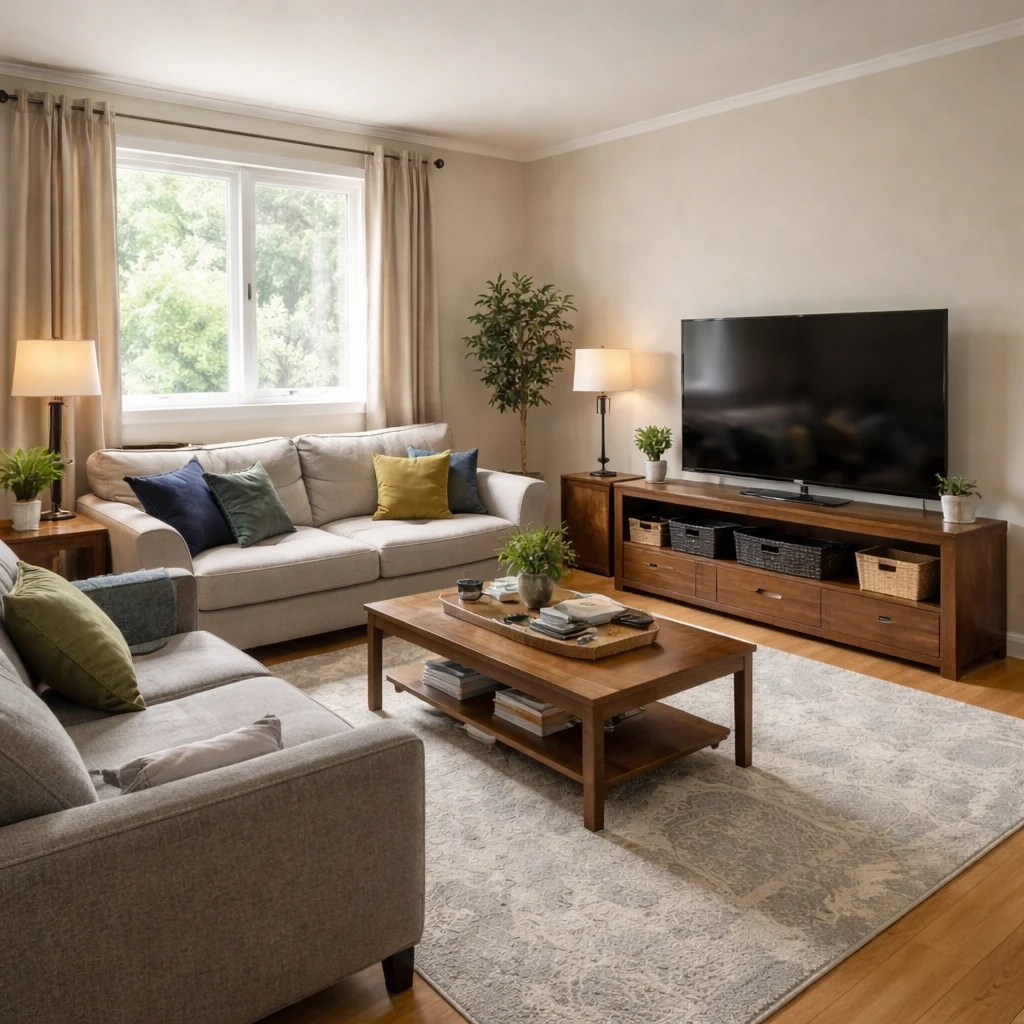
TV-focused living rooms require balancing screen visibility with conversation and living functionality. The screen should be at a comfortable viewing angle—not so high that it strains your neck, and not so low that it interferes with sightlines when you're not watching. The optimal distance is roughly 1.2-1.5 times your screen diagonal for HD content; closer for 4K. Mounting height should place the screen center at eye level when seated.

The biggest mistake in TV rooms is designing exclusively around the screen, making the room unusable when the TV is off. Arrange seating so it can face the TV for viewing AND face each other for conversation. Sectional sofas with a chaise on one side work well because they provide TV viewing positions and separate lounging areas. Swivel chairs allow flexible positioning for viewing or socializing.

Cable and wire management is essential: visible cords ruin the visual appeal and create safety hazards. In-wall cable management kits, wireless devices, and careful furniture placement to hide cables all contribute to a clean look. Media storage should accommodate your actual collection (streaming reduces physical media needs) while staying organized. Sound bars have largely replaced bulky home theater systems and provide significantly better audio than TV speakers.

Lets you test layout options from the same base photo quickly—compare multiple arrangements without moving heavy furniture.
Supports faster decision cycles by comparing variants side by side with real proportions, not idealized showrooms.
Connects selected layouts to specific products from Amazon, IKEA, and other retailers that match the chosen direction.
Visualizes how layout changes affect perceived room size so you can compare openness and usability before moving furniture.
Tests different focal point orientations to find what works best with your existing architecture and light sources.
Optional room measurements integration available for tighter fit guidance when you need size-aware planning with actual dimension validation.
Multi-retailer product sourcing connects visual concepts to purchasable items from Amazon, IKEA, eBay, and regional stores without requiring separate browser searches.
In-context product swapping lets you test alternatives before purchasing—no need to order, return, and reorder to find what works in your space.

Do this first

Map fixed elements and natural light before moving to style decisions.
Define 1-3 core room functions and assign zones to each.
Generate multiple orientation options around the main focal point.
Choose the version with best flow, usability, and visual clarity.

Check before buying

Confirm TV sightlines from primary and secondary seating before final layout lock.
Confirm seated, standing, and movement ergonomics in the chosen layout.
Check cable paths, outlet access, and lighting direction where relevant.
Avoid over-furnishing; every piece should serve a defined function.
Document final layout intent so future buys stay aligned.

Layout-First Execution Workflow

Lock movement paths and activity zones before buying to avoid layouts that look good but fail in daily use.

Capture your current room and constraints
Step 1

Capture your current room and constraints

Upload one clear, wide-angle room photo that captures the full space—include doors, windows, built-in features, and any fixed elements you cannot change. The more context the system has, the more accurate your generated options will be. Define your non-negotiables upfront: budget range, must-keep furniture pieces, layout constraints, and functional priorities like storage needs or traffic flow requirements.

Set style, function, and budget priorities
Step 2

Set style, function, and budget priorities

Before generating options, establish clear priorities that will guide evaluation. What's most important: strict budget adherence, maximum visual impact, functional improvement, or quick execution? Set your target aesthetic direction while remaining open to variations within that style family. Lock 2-3 hard constraints that cannot be compromised—this prevents scope creep and keeps decisions grounded. Without clear priorities, you'll struggle to evaluate options objectively.

Generate multiple realistic directions
Step 3

Generate multiple realistic directions

Generate at least three distinct concept variants that explore different priorities rather than tweaking one direction incrementally. Create a budget-conscious option that maximizes impact per dollar spent, a style-forward option that prioritizes visual impact, and a function-focused option that maximizes practical improvements. Comparing multiple directions reveals tradeoffs invisible when evaluating a single option—this is where confident decisions are made.

Review shoppable options and in-context swaps
Step 4

Review shoppable options and in-context swaps

Review the shoppable products mapped to each concept. Compare prices across retailers (Amazon, IKEA, and others) and evaluate alternatives at different price points. Use in-context swaps to test whether less expensive alternatives achieve similar visual impact. This is where abstract concepts become actionable purchase plans—with real products, real prices, and real availability checks.

Finalize one execution-ready version
Step 5

Finalize one execution-ready version

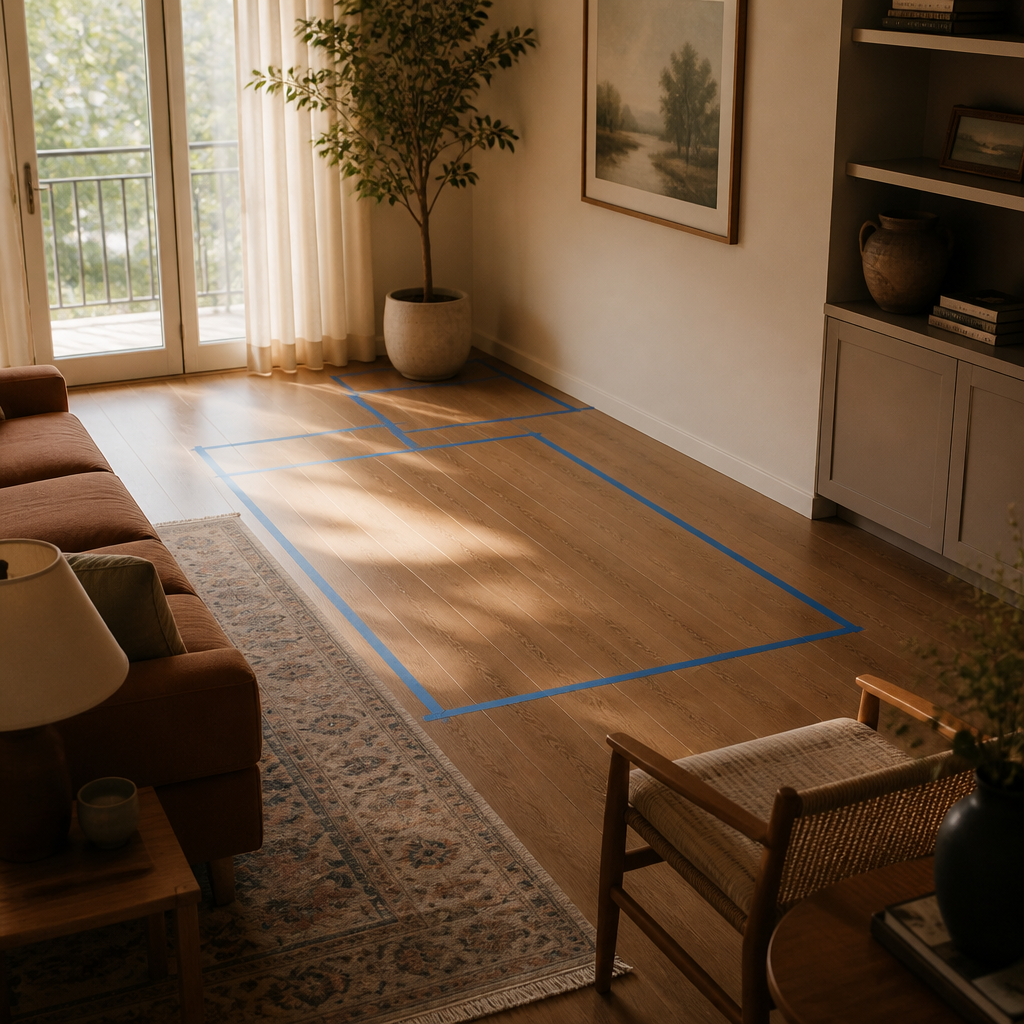
Lock your final direction after one last fit and circulation check. Verify door delivery access, measure stair or elevator clearances, and test walkthrough paths with tape or cardboard templates before committing to purchases. Execute purchases in priority order: functional essentials first, then decorative accents as budget allows.

Execution Checklist

Capture one wide, well-lit photo with the full room context visible—include doors, windows, and any fixed architectural elements that affect placement options.
Write down 2 to 3 non-negotiables before generating concepts: layout constraints, budget ceiling, must-keep existing furniture, and functional requirements.
Generate at least 3 concept variants exploring different priorities (budget-conscious, style-forward, maximum function) before evaluating any single direction in depth.
Map fixed architectural elements first: windows, doors, outlets, HVAC vents, and natural light sources that cannot be moved.
Identify primary traffic paths through the room—maintain 36-inch minimum clearances for comfortable movement.
Generate multiple furniture orientations around the dominant focal point before choosing one arrangement.
Validate task zones (work, relax, dining, storage) before adding decorative elements that distract from function.
Consider sightlines from key vantage points—entry doors, primary seating areas, and frequently-used passages.
Plan for future flexibility—layouts that adapt to changing needs retain value longer than rigid single-purpose designs.
Review sourced alternatives at different budget levels—compare premium options against mid-tier and value alternatives to understand where spending delivers most impact.
Validate final selections against actual room proportions and lighting conditions, not just product photos from manufacturer showrooms.
Finalize one purchase-ready direction and execute in phases: must-have functional pieces first, then decorative accents as budget allows.
Document your final plan with linked products and layout notes so future additions maintain visual cohesion as you build out the room over time.

How InnieApp Supports Execution

Anchors design decisions to your actual room geometry rather than generic room proportions stock from photos.
Helps you compare practical layout alternatives before purchasing furniture that might not fit or function in the space.
Maps final layout direction to sourceable products you can purchase with confidence the layout will work.
Supports iterative refinement as priorities change—reconfigure zones without starting from scratch each time.
Reduces the cognitive load of furniture shopping by clarifying what pieces you actually need before browsing.

Product Sourcing After Layout Validation

Once layout is settled, source pieces that preserve circulation and match how the room is actually used day to day.

Product matching from your room context
Sourcing Stage 1

Product matching from your room context

Recommendations are generated from the actual room concept—not generic mood boards. Each product suggestion is sized and positioned to work with your specific room proportions, lighting conditions, and existing architectural features.

Compare alternatives by style, price, and availability
Sourcing Stage 2

Compare alternatives by style, price, and availability

Review multiple matched options across different retailers (Amazon, IKEA, eBay, and regional stores) and choose the price-quality tradeoff that fits your budget. Compare delivery times, return policies, and customer reviews alongside visual fit.

Apply swaps before purchase
Sourcing Stage 3

Apply swaps before purchase

Preview replacements directly in the visual concept—no need to order, return, and reorder to find what works. Test whether a less expensive alternative achieves similar visual impact before committing your budget.

Room Layout FAQs

Answers focused on circulation, zoning, and practical layout sequencing.

How is this different from browsing Pinterest or inspiration boards?

These guides start from your actual room photo rather than idealized showroom spaces, then walk through generation, product comparison, and refinement. You're not guessing from sample rooms or generic mood boards that may not reflect your proportions, lighting, or constraints. Every recommendation is grounded in your specific context.

Can I compare multiple options before buying anything?

Yes. Generate multiple design versions, compare alternatives across supported retailers (Amazon, IKEA, eBay, and regional stores), and narrow choices by budget, visual fit, delivery time, and return policy. Test in-context swaps to see if cheaper alternatives achieve similar results before committing your budget.

What should I prepare before starting?

Use one clear wide-angle photo with good lighting that shows the full room. Note fixed constraints: door swings, window locations, outlet positions, traffic paths, and any architectural features you cannot change. Set a rough budget range so recommendations are practical—not aspirational to the point of being unrealizable.

Will recommendations actually work in my real space?

The workflow is photo-first and context-aware, so recommendations are grounded in your actual layout, proportions, and lighting—not generic room templates. You can test product swaps before purchasing to validate how alternatives appear in your specific environment.

Can I use this for both planning and shopping in one flow?

Yes. Move from room concept to shoppable product options in a single workflow, then refine with in-context edits before purchasing. Compare prices across retailers, check delivery timelines, and validate fit—all while viewing how products appear in your actual room.

How many variations should I test before deciding?

Most users get clarity after testing 3-5 focused variations, each with a different priority: budget-conscious, style-forward, maximum function, or quick transformation. Comparing multiple directions reveals tradeoffs invisible when evaluating a single option.

What if my room has unusual dimensions or awkward layout?

The photo-first approach handles unusual proportions naturally because recommendations are generated from your actual room context, not idealized templates. Include notes about specific constraints (low ceilings, odd angles, limited natural light) to calibrate recommendations appropriately.

More Planning Guides

Practical guides for other common room planning questions.

Browse all guides

Planning guide

How to Design a Garage Workshop That Stays Organized

Plan zones for tools, storage, and workspace flow before building out.

Planning guide

How to Furnish a Studio Apartment Without Overcrowding

Create zones for sleep, work, and living while keeping the room open.

Planning guide

How to Decorate a Rental Apartment

Plan high-impact updates that stay renter-friendly and reversible.

Planning guide

How to Design a Home Gym That You Actually Use

Plan equipment zones, circulation, and storage for consistent workouts.

Planning guide

How to Furnish a New Apartment Fast Without Buying Wrong

Prioritize core pieces first, then layer optional decor with confidence.

Planning guide

How to Refresh Your Home Before Selling

Focus on visual updates that improve listing photos and buyer perception.

Planning guide

How to Stage a Home for Sale

Build listing-ready visuals with practical staging decisions and sourcing.

Planning guide

How to Stage an Empty Room for Better Buyer Impressions

Turn blank rooms into market-ready visuals before your next listing update.

Planning guide

How to Upgrade a Rental Kitchen Without Renovation

Use reversible changes that improve function and visual appeal.

Planning guide

Find the Perfect Furniture Arrangement

Where should the couch go? We'll show you optimal layouts for your space.

Planning guide

How to Choose a Rug Size for Your Room

Get rug scale right for seating groups, beds, and dining layouts.

Planning guide

How to Choose a Sofa Size That Fits Your Room

Preview proportions and walking space before buying a sectional or sofa.

Ready to Apply This to Your Space?

Create a layout that works for both watching and socializing.

Free to explore • Compare options before buying

Reviewed by Innie Design editorial team

Updated Mar 31, 2026. This page is maintained as educational guidance based on photo-based room planning workflows, retailer sourcing patterns, and the public references cited above. It is not architectural, engineering, or contractor advice.

Read our editorial policy

About this guide

Learn how to layout a living room with TV using real room constraints. Upload your living room photo and compare seating orientations and media-wall options.

This guide combines practical room planning, style exploration, and product sourcing in one workflow. Unlike browsing endless Pinterest boards or showrooms with different proportions than your space, this approach generates options from your actual room context-preserving your proportions, lighting, and architectural constraints.

You can start by uploading a photo of your room, then generate multiple design directions that explore different priorities: budget-conscious transformations, style-forward makeovers, or function-focused improvements. Each direction connects to real, shoppable products so you can move from inspiration to execution with confidence.

If you're researching how to layout a living room with tv, living room tv layout, seating arrangement with tv, these pages are designed to help you move from inspiration to action with concrete steps, practical checklists, and reference links that validate recommendations with industry data.