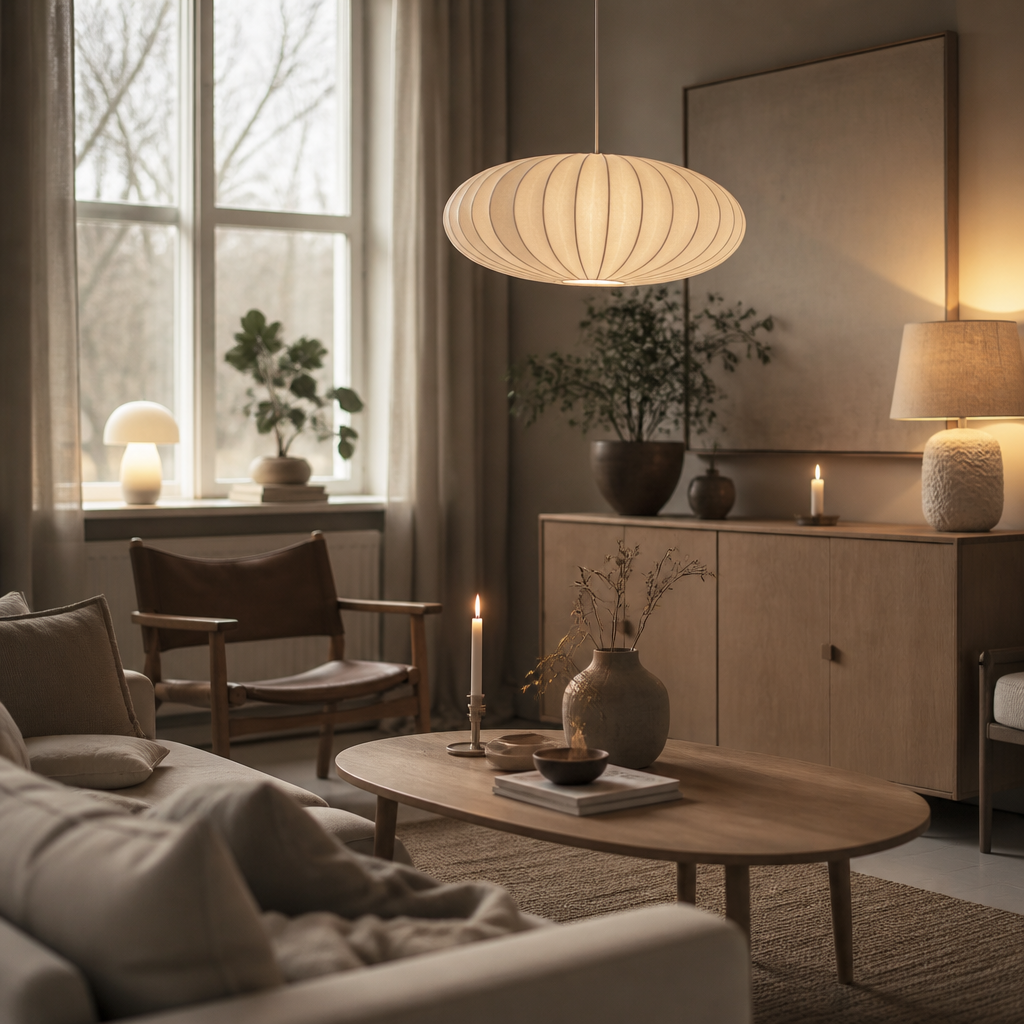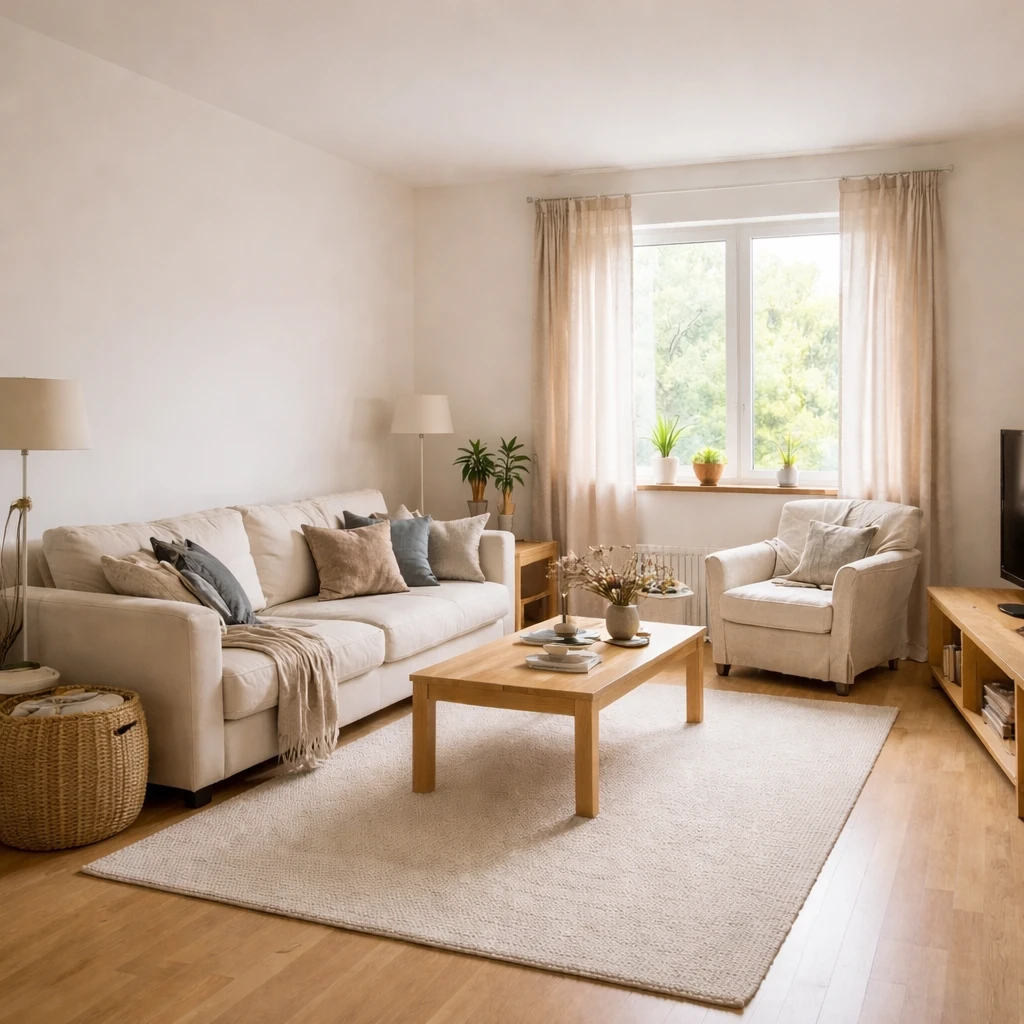
Scandinavian design (or Nordic design) prioritizes functionality, simplicity, and connection to nature—values born from long, dark winters and limited natural resources. The aesthetic emphasizes making the most of available light and creating cozy, livable spaces. It's practical design that doesn't sacrifice warmth for looks.
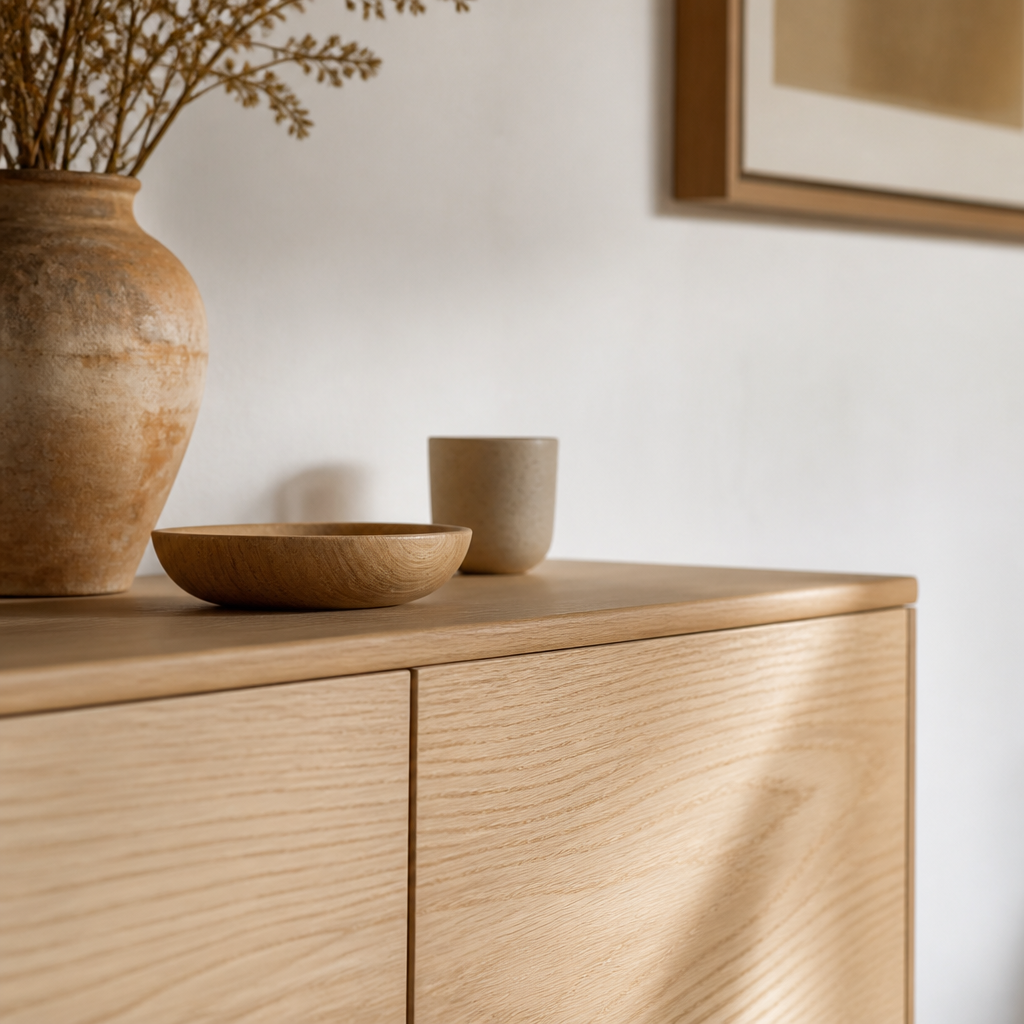
Key elements include: light color palettes (white walls, pale woods), natural materials (light oak, birch, pine), cozy textiles (wool throws, sheepskin rugs, linen curtains), and functional furniture with clean lines. Hygge—the Danish concept of cozy contentment—is central: spaces should feel inviting and comfortable, not just visually pleasing.
Sustainability is inherent to Scandinavian design philosophy. Quality over quantity, natural materials that age well, and pieces that serve multiple purposes all align with environmental consciousness. Investing in well-made pieces that last decades rather than disposable furniture fits the aesthetic authentically. The look isn't about buying new—it's about curating thoughtfully.
What defines the look
Scandinavian design emerged from a specific climatic and cultural context: long winters with minimal daylight, small homes, and a cultural value called hygge, the quality of coziness and comfortable conviviality. Maximizing natural light became essential because there was not much of it. Using natural materials became practical because they age gracefully in dry heated air. Creating warmth through texture became necessary because color alone cannot compensate for months of gray sky. Swedish lagom, translating to "just the right amount," operates as a philosophical restraint on consumption, arguing that sufficiency outperforms excess in long-term satisfaction.
The signature Scandinavian palette evolved from the need to reflect and amplify limited daylight. Pure white with natural wood represents classic Nordic simplicity. Soft gray with sage green introduces a muted garden feeling. Warm cream with terracotta acknowledges longer summers and adds earthiness. Natural materials define Scandinavian warmth: pale oak, beech, and ash provide structural warmth without darkening a room; sheepskin throws add tactile softness and insulation during winter months; linen curtains with high light transmission filter daylight gently while preserving privacy. Layered lighting is equally important: a pendant for ambient illumination at 2700K, a table lamp for task work, and candles for atmosphere compensate for the seasonal unreliability of natural light.
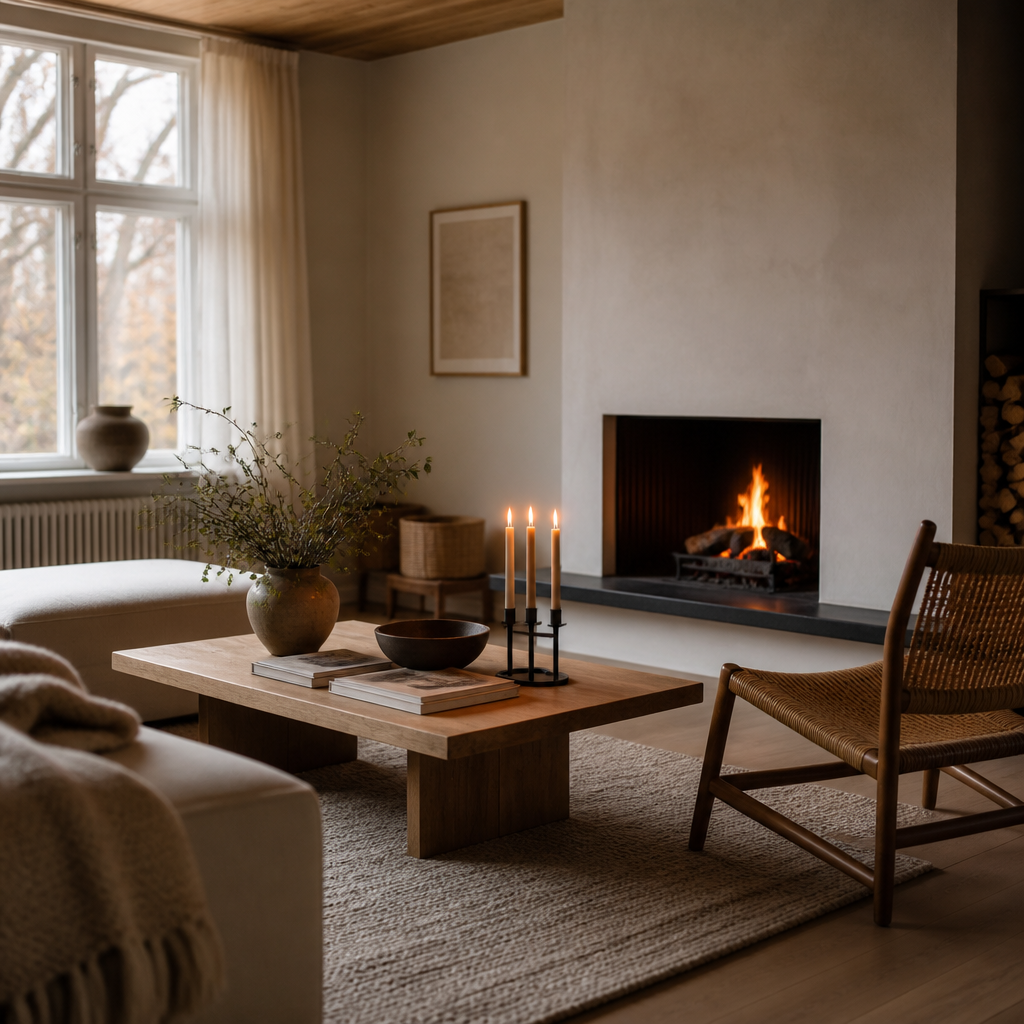
Scandinavian design differs from minimalism in its attitude toward warmth and ornament. Where minimalism pursues reduction as a philosophical endpoint, Scandinavian design pursues reduction as a practical response to climate and scale. A Scandinavian room might contain more objects than a minimalist room, but each object serves a sensory purpose: a hand-thrown ceramic mug, a wool blanket with visible weave, a wooden bowl with grain patterns. The goal is sufficiency enriched by texture, not emptiness enforced by discipline. Alvar Aalto's organic modernism introduced bent plywood furniture that followed the contours of the human body rather than dictating them, establishing a design language where ergonomics and empathy preceded visual style.
How to apply it well
Preserve every useful source of daylight
Keep windows visually light, use pale wall colors that reflect daylight well, and place mirrors only where they deepen actual brightness rather than multiply clutter. Scandinavian rooms begin with the assumption that natural light is valuable and often scarce, so the room should be planned to amplify it rather than compete with it.
Use pale woods and low-gloss finishes as the main structure
Build the room around ash, birch, beech, or light oak in matte or soft-satin finishes. These materials create warmth without heaviness and help the room feel clean without going sterile. Dark, glossy, or bulky pieces usually break the language immediately.
Warm the room through textiles, not visual density
Add wool throws, linen curtains, sheepskin, or textured cushions so the room feels inhabitable in cold weather without relying on a loud palette. Scandinavian warmth comes from tactile comfort layered over restraint, not from stuffing the room with decorative reassurance.
Keep the palette muted enough for the light to stay the star
Use off-white, pale gray, soft sage, warm cream, and natural wood as the main field, with only occasional muted accents if needed. The room should feel atmospheric but calm, and color should support that atmosphere rather than interrupt it with unnecessary contrast.
Choose seating and task areas for real lingering
A Scandinavian room should support reading, long meals, and winter evenings, so chairs, sofas, and reading corners need genuine comfort and adequate task light. Comfort is not an accessory in this style. It is part of the architectural logic that made the style viable in the first place.
Bring in nature sparingly and maintain it well
Use a few healthy plants, simple vessels, and natural objects that reference the landscape without overwhelming the room. Scandinavian interiors usually feel best when the natural notes are disciplined, consistent, and well kept rather than exuberant and scattered.
What makes it feel forced
Common mistakes in Scandinavian interiors include using cool white paint without natural wood to warm it, which produces a clinical laboratory feeling rather than a cozy refuge. Another error is confusing the style with a generic "clean and white" aesthetic without understanding the layered lighting and material depth that make the palette livable. Finally, treating hygge as a product category rather than a practice leads to staged coziness: a room full of candles and sheepskins without actual use feels hollow. Authentic Scandinavian design supports daily rituals rather than displaying them.